Digital creator on Facebook is a category used for a public content presence. It commonly appears on a personal profile using professional mode, also called pro mode. The wording tells visitors how the account presents itself. It does not, by itself, prove that the person is famous, verified, employed by Meta or earning money.
Someone sharing cooking videos, photography tutorials or original commentary may describe themselves as a digital creator. The important distinction is between the label, the tools available to the account and any separate eligibility for monetization. Seeing the first does not establish the other two.
The everyday meaning of a digital creator
Outside Facebook, a digital creator is someone who makes material for an online audience. That could include writing, illustrations, photography, edited videos, livestreams or educational resources. Some creators publish as a hobby, some work for clients and others run a business around their own audience.
The term describes an activity rather than a regulated qualification. Two people using it can have very different levels of experience and very different goals. A new photographer uploading their first projects and an established educator publishing weekly lessons can both reasonably use the description. Choosing a creator label should go alongside a review of your Facebook profile's privacy settings, especially if you are moving from personal sharing to public content.
For a visitor, the useful questions are therefore practical: What does this person publish? Is their work original? Are claims supported? Does their content help you? The category alone answers none of those questions.
How professional mode relates to the label
Meta introduced professional mode for profiles to give creators tools for understanding and developing a public audience. It builds a creator presence around a profile rather than requiring every individual to begin with a separate Page.
A later Meta overview of creator tools describes professional-dashboard insights and opportunities for eligible creators. These tools can help a publisher examine their audience and content performance. Access and exact controls can change, so check the dashboard available to your own profile.
Facebook’s professional-mode help page is the reference for current profile changes and category behavior. If it asks you to sign in, open it through Facebook’s Help Center while using the relevant account. Do not interpret a category appearing under a name as proof of why or when an account changed its settings.
A creator category is not verification
A category is descriptive text. Verification is a separate account-status feature with its own requirements and presentation. A profile can display creator wording without being a verified identity, and a verified person may use another category.
Apply the same caution to business claims. An account calling itself a digital creator is not evidence that a sponsorship offer is legitimate, that a product works or that a financial claim is trustworthy. Read the actual work, examine the context and verify any important promise independently.
For example, if an account offers to arrange a brand partnership, confirm the company’s identity using a known contact channel. A professional-looking profile and a familiar category are not substitutes for a real agreement explaining the work, payment and usage rights.
Does a digital creator automatically get paid?
No. Choosing a label does not create an income stream. Creator programs can have requirements involving location, age, account standing, content and program availability. Check the monetization area in your own dashboard for the options and terms that actually apply to you.
Think of the category as a sign on a door, not a signed contract. A person can publish excellent content without participating in a platform payout program. Another creator may earn through client work, sponsorships or products while receiving no direct platform payment.
Before accepting an offer, distinguish who pays whom and for what. A sponsored post needs an agreed brief and appropriate disclosure. A platform program has platform terms. An outside course selling a method has its own sales pitch. None should be confused with money awarded simply for displaying Digital creator.
Should you use a profile or a separate Page?
Start by deciding whose identity the content represents. If your audience follows you as an individual, professional tools on your profile may fit that relationship. If the presence represents a company, publication or organization, a Page may be a clearer home.
Also consider how you want to separate personal and public conversations. Write down the types of posts you want customers to see and those intended only for friends. A category will not make these decisions for you. Review the audience setting whenever you publish, especially when switching between accounts or posting surfaces.
If other people need to manage the presence, examine the appropriate Page or business access options rather than sharing your personal login. Keep ownership and responsibility clear from the beginning, particularly for a project that might outgrow one person’s involvement.
Review the account before changing its public presentation
- Read your profile as a visitor. Check the name, introduction, contact details and visible posts. Remove information you do not want associated with the public work.
- Define the subject. Explain what you make and whom it helps. A concise description is more informative than a broad label alone.
- Inspect the available tools. Open the profile’s menu and professional dashboard if present. Read the explanation before enabling or disabling a mode.
- Choose a fitting category. Use the profile or Page editing controls available to the account. Labels and menu paths can differ between versions.
- Check privacy separately. Review audiences for old and future posts rather than assuming a category change controls every post.
If the mode or category option is unavailable, use the in-app Help Center for that account. Avoid repeated account conversions or unofficial tools promising to unlock features. The appropriate choice is the one that fits the content and management needs, not the one with the most impressive-sounding title.
Make the category useful to readers
Support the description with a small body of recognizable work. An illustrator could pin a portfolio introduction; a repair educator could organize practical lessons around common problems. Explain how people can contact you and whether you accept commercial work.
Review performance with a specific question in mind. Instead of checking numbers compulsively, ask which tutorial led to useful questions or which explanation readers completed. Keep producing work that serves that need. The label becomes meaningful when the content behind it is clear and consistent.
Frequently asked questions
Is a Facebook digital creator a real job?
Content creation can be paid work, but the profile wording does not establish employment or income. Look at the person’s actual services, projects and business arrangements.
Does Digital creator mean an account is verified?
No. A descriptive category and verification are separate things. Evaluate identity claims using the relevant verification information and other trustworthy evidence.
Will changing my category guarantee more followers?
No. A clearer description may help visitors understand you, but audience growth depends on many factors. Do not buy a category change expecting a guaranteed result.
Should I turn on professional mode just to get paid?
Read the tools and program requirements first. Access to professional features is different from qualification for a payout program, and the mode should fit your intended public presence.
Video walkthrough
This related walkthrough from Trevor Nace provides a visual companion. App layouts and available controls can change between versions; use the instructions above and the linked official documentation for the options on your device.
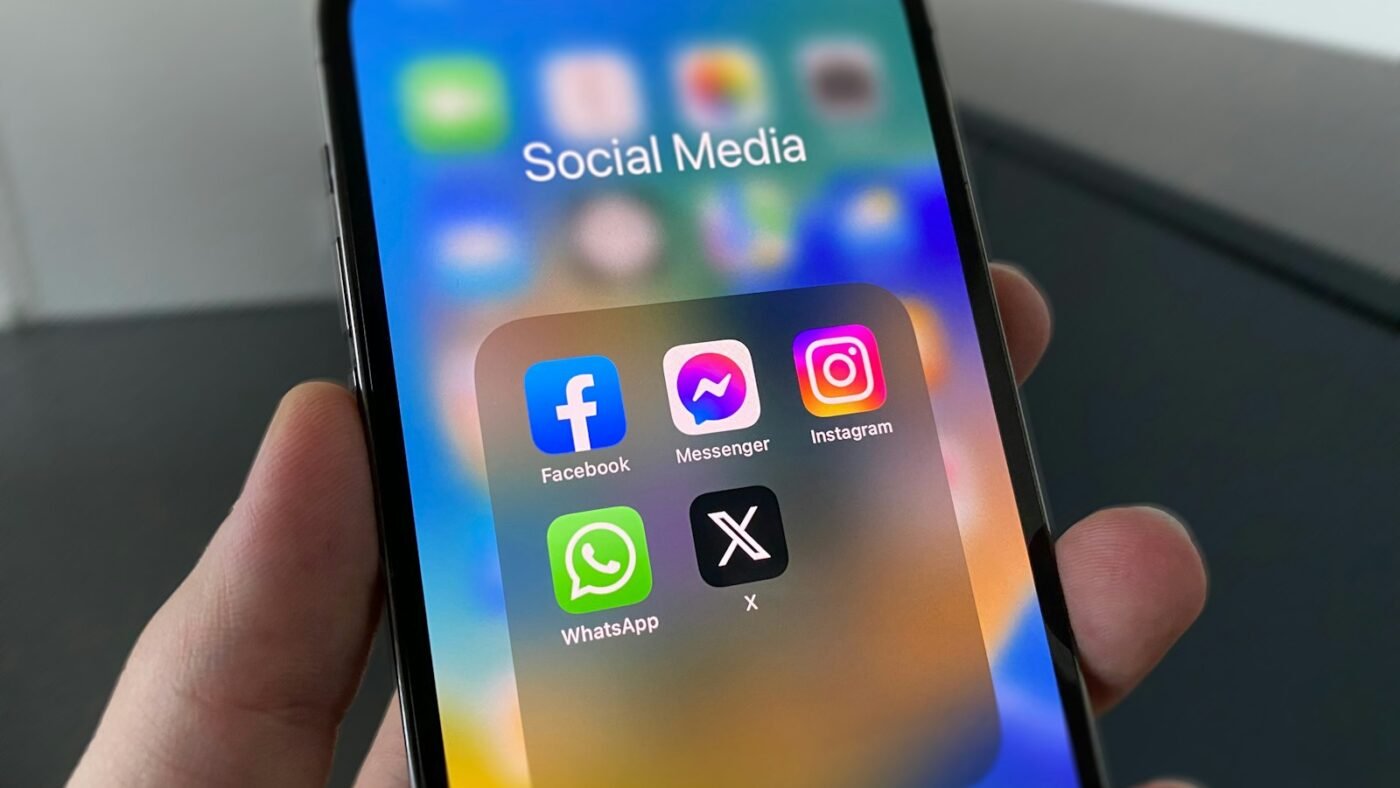
Featured photo: Photo by Julian on Unsplash.

The Teck Hustlers Editorial Team covers technology, business, finance and gaming news for readers who want the story behind the headline. Every article is researched, written and edited by our in-house team, checked against company announcements, filings and reputable reporting, and updated when new facts emerge. We focus on what each development means for founders, professionals, investors and everyday users. Have a tip or a correction? Reach us through our contact page.