TL;DR: If you’re asking “why is my phone so hot,” the usual culprits are heavy apps (games, video, navigation, the camera), charging while using the phone, hot surroundings such as a parked car or direct sun, setup or software updates, and weak signal or hotspot use. Feeling warm during those tasks is normal, according to Apple, Google and Samsung. If it gets genuinely hot: unplug it, close apps, take it out of the sun, remove a thick case and let it cool before using it again. If it keeps overheating or shutting down, contact the manufacturer.
A warm phone is not automatically a broken phone. Modern iPhones and Android phones are designed to throttle themselves when they get too hot, and all three big manufacturers publish lists of activities that normally warm a phone up. This guide explains why your phone gets so hot, which causes are harmless, how to cool it down safely, and when heat is a sign you should get it checked. Every tip below comes from Apple, Google’s Pixel help or Samsung support.
Why is my phone so hot? 10 common causes
- Games and graphics-heavy apps. Apple, Google and Samsung all list gaming as a top reason phones heat up.
- Streaming or recording video. Google mentions streaming over Wi-Fi or 5G and recording high-definition video; Apple flags streaming high-quality video.
- Navigation and GPS. Long navigation sessions, especially in a car in the sun, are a classic heat trap, Apple says.
- The camera. Extended camera use can trigger temperature limits on iPhone and Pixel alike.
- Using the phone while charging. Google specifically warns about running demanding apps while the phone charges.
- Wireless charging. Apple notes phones feel warmer on wireless chargers; Samsung advises removing metal or magnetic objects between the phone and the pad.
- Incompatible or faulty chargers. Samsung lists non-Samsung, incompatible or defective chargers and cables as a factor.
- Setup, backups and updates. First-time setup, restoring from a backup, data transfers and major software updates all make phones work hard for a while.
- Hotspot and heavy data use. Google lists tethering, using the phone as a Wi-Fi hotspot and big uploads or downloads.
- Hot environments. Direct sunlight, a parked car on a hot day or sitting on a heat source pushes the phone past its comfortable range.
How hot is too hot?
Manufacturers describe safe surrounding temperatures rather than a single “too hot” phone reading:
| Brand | Recommended ambient temperature | What happens when it overheats |
|---|---|---|
| Apple (iPhone) | Use between 0–35°C (32–95°F); store between -20 and 45°C (-4 to 113°F) | Charging slows or stops, display dims, signal may weaken, camera flash may be disabled, “iPhone needs to cool down” warning |
| Google (Pixel) | Keep out of direct sunlight and hot vehicles | Lower CPU performance and charging speed, camera or flash turned off, data or Wi-Fi limited, low power mode, possible shutdown |
| Samsung (Galaxy) | Ambient 32–95°F | “Cooling down” notices, apps closed, dimmer screen, charging paused, possible automatic power-off |
Apple adds that using an iPhone in very hot conditions “can permanently shorten battery life,” which is the best reason not to ignore heat.
How to cool down a hot phone safely
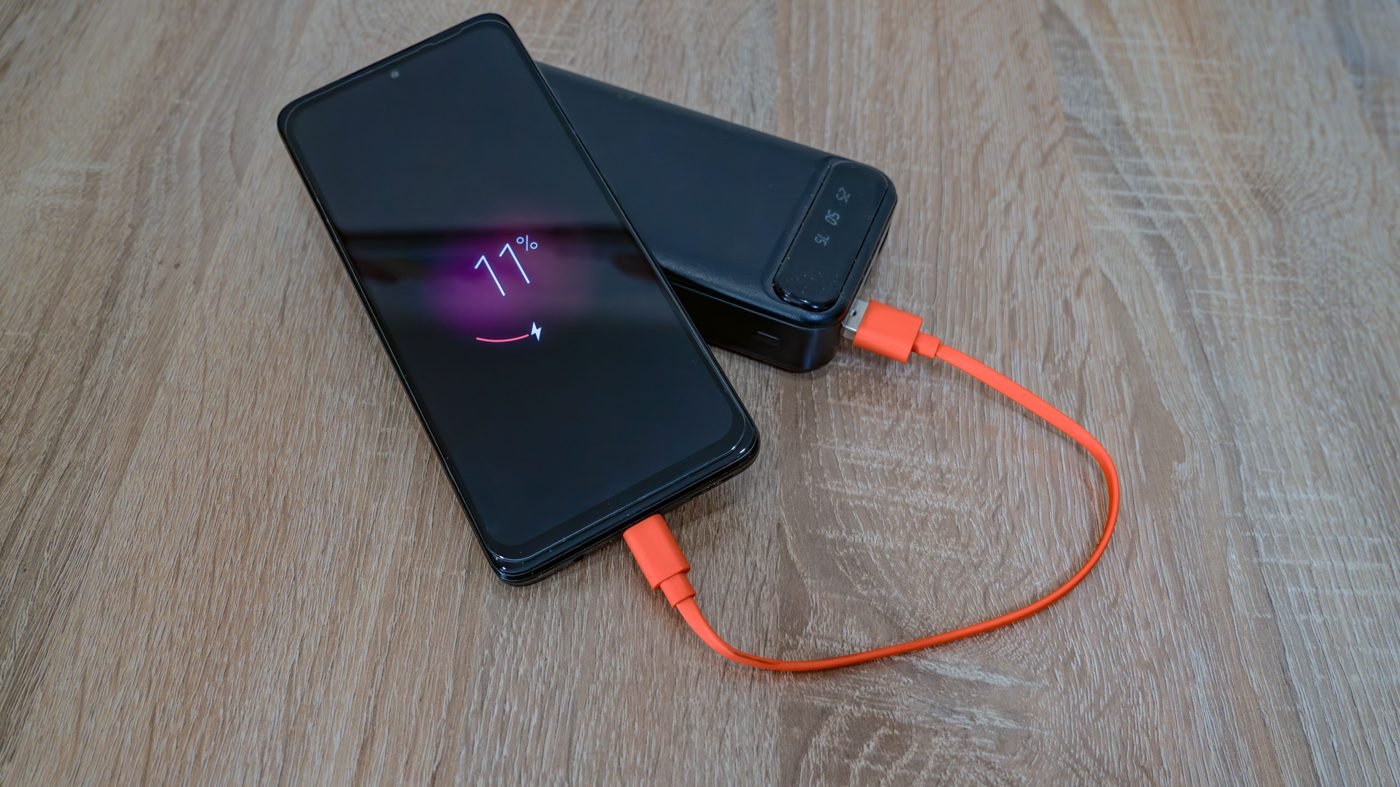
Google’s advice for a phone that is too hot is simple: disconnect it from power, move it somewhere cooler and don’t use it until it has cooled down. Apple’s steps for its temperature warning screen are similar: turn the device off, move it out of direct sunlight and let it cool. Combining the manufacturers’ guidance:
- Unplug it if it’s charging.
- Close heavy apps such as games, video and navigation.
- Get it out of the sun or out of the hot car.
- Take off a thick case for a while; Google recommends using only cases made for your specific phone and avoiding enclosed, poorly ventilated spots.
- Let it rest until it feels normal, then restart it if it shut down.
Don’t try to speed things up in a freezer or with ice. None of the manufacturers recommend it; they all say to move the phone to a cooler place and wait.
How to stop your phone overheating again
- Lower screen brightness. Both Google and Samsung recommend it.
- Prefer Wi-Fi over mobile data when you can, Google says.
- Turn off Wi-Fi, GPS and Bluetooth when you’re not using them, per Samsung.
- Update software and apps. Samsung lists keeping software updated as a fix; buggy apps can also drain battery and cause heat.
- Use the right charger and charge on a hard, flat surface, Samsung advises.
- Don’t game or stream while charging if your phone runs hot.
- Check the built-in tools. On Pixel 6 and later, open Settings > Battery > Battery diagnostics > Phone is very warm for recommendations. Samsung’s Samsung Members app offers phone diagnostics.
Overheating and battery drain often share causes. Google notes that the same issues that drain the battery can make the phone hot, so taming background apps helps with both.
When a hot phone is a real problem
Contact the manufacturer or a repair shop if:
- The phone keeps shutting down from heat (Google suggests contacting Pixel support if this repeats).
- It gets hot while idle, not during any of the activities above.
- It is still too warm to touch after cooling down; Samsung says to contact support in that case.
- Heat started after a drop, water exposure or a third-party repair.
Related phone fixes
Heat can also cause other odd behavior. Apple says cellular signal can weaken as radios enter a low-power state when an iPhone overheats, so if you also see no bars, read our guide on why your phone shows SOS. And if you want to reduce background activity at night, see how iPhone Sleep mode works and how to turn it off.
The short version: a warm phone during gaming, charging or navigation is normal and self-limiting. A phone that is hot for no reason, or one that keeps shutting down, deserves a closer look.

The Teck Hustlers Editorial Team covers technology, business, finance and gaming news for readers who want the story behind the headline. Every article is researched, written and edited by our in-house team, checked against company announcements, filings and reputable reporting, and updated when new facts emerge. We focus on what each development means for founders, professionals, investors and everyday users. Have a tip or a correction? Reach us through our contact page.