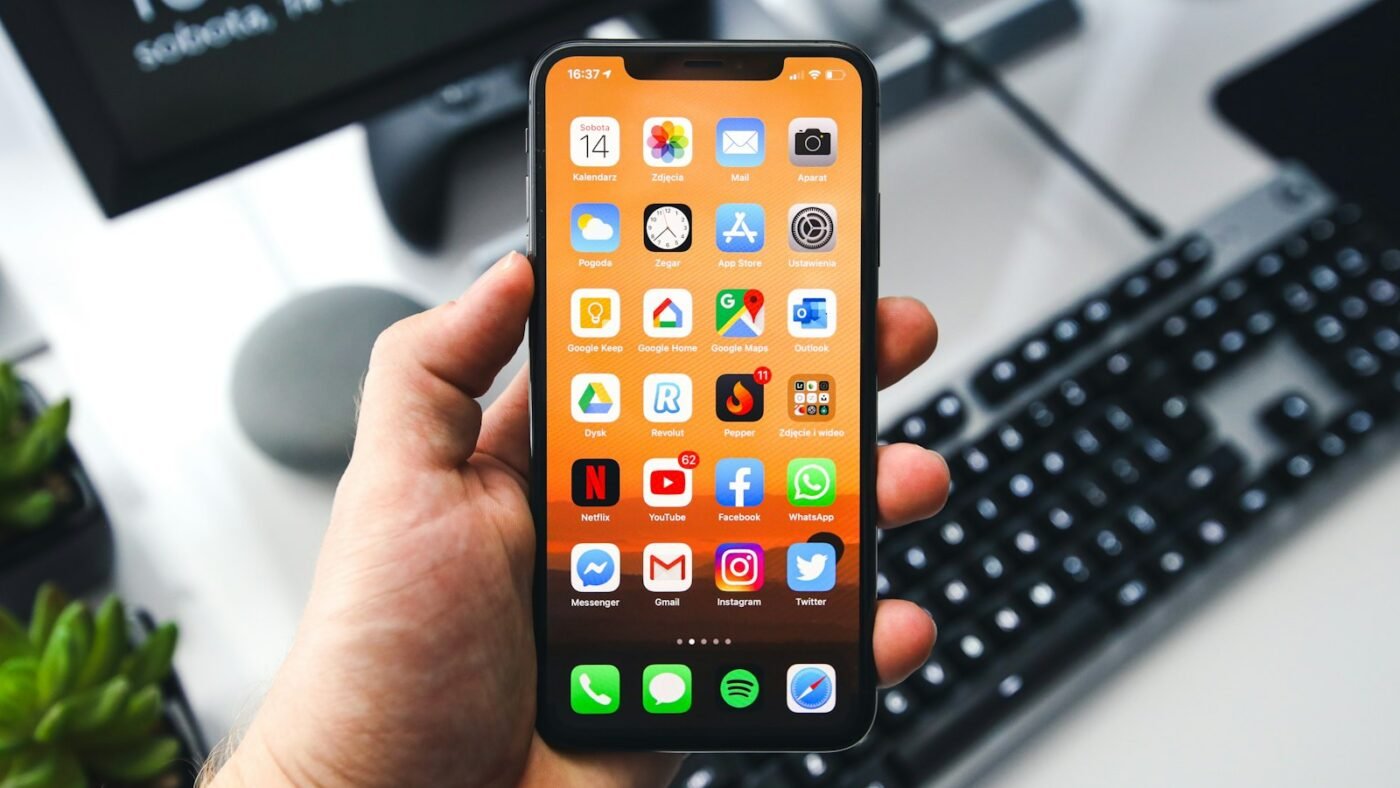
Find My can help you locate an iPhone, but its map position is an estimate rather than a guaranteed exact spot. Accuracy varies with available location signals, the device’s connection and whether you are viewing a current or older report.
That distinction becomes important when a phone appears near several homes, inside a large building or beside a road you recently traveled. A map pin is useful evidence for deciding where to look. It is not enough on its own to identify a room, prove who has the phone or explain how it arrived there.
There Is No Single Accuracy Number for Every Situation
It is tempting to ask whether Find My is accurate within a few feet. A fixed answer would be misleading. A phone outdoors with a useful location signal faces different conditions from one inside a building, running out of power or disconnected from a network.
Apple explains that Location Services uses available GPS, cellular, Wi-Fi and Bluetooth information. GPS performance depends on the signals the device can receive. Buildings and other obstructions can make a location harder to determine. When you are coordinating with another person, review how to send a location on iPhone and confirm that you are sharing the intended pin or location information.
Instead of treating one estimate as a promise, read the information surrounding the location. Check the device name, the time associated with the report and any message explaining that the phone is offline or cannot be located.
Watch Apple’s Find My Walkthrough
This official Apple Support video introduces Find My, including locating a device. It is a useful orientation if you have not used the app before.
Check Whether the Location Is Current
The first question is not “how close is the pin?” It is “when was this location reported?” A location from earlier in the day may tell you where to begin retracing your steps, but it does not establish where the phone is now.
For example, imagine leaving a café and later noticing that your phone is missing. A report associated with the café may be helpful, but you still need to consider whether the report preceded your departure. Write down the time before drawing a conclusion.
Apple’s guide to locating a device explains the available Find My controls. The options and information you see depend on the device and its circumstances. Avoid assuming that every device will provide an identical live view.
Offline Reports Need Careful Interpretation
A device does not always have a direct internet connection. Apple describes the Find My network as using nearby participating devices to detect supported missing devices or items and report an approximate location.
This can be valuable when a direct connection is unavailable. It also means you should understand the type of report being shown before treating it as a continuous stream of movement. An updated report and live turn-by-turn tracking are different things.
Apple’s Find My privacy information describes the network and the Send Last Location feature. Check the actual screen for your missing device rather than relying on a general claim about how long every location remains available.
Do Not Confuse a Device With a Shared Person Location
Find My includes different areas for people, devices and items. Make sure you are looking at the device you lost. A person’s shared location is not automatically proof of the location of every Apple product they own.
If you have several similar devices, read the names carefully. An old phone, a tablet and a family member’s device may all appear in the same account or sharing setup. Selecting the wrong one can send your search in the wrong direction.
Use the screen’s labels as your guide. Before taking any action, confirm the model or name and check whether the view concerns a person, an iPhone or a separate item.
Use Nearby Clues Alongside the Map
If you believe the phone is nearby, the Play Sound option may be more useful than repeatedly zooming into the map. A map position cannot tell you whether a phone slipped beneath a sofa cushion or remained inside a bag.
Start with places where you recently used or charged it. Check coat pockets, car storage compartments, desk drawers and bags before widening the search. If another person is helping, explain which areas you have already checked so that you do not repeat the same work.
For a workplace, shop or café, contact staff through their normal number and ask whether a phone was handed in. Give enough identifying information for them to check, but do not publish account details or a device passcode.
What to Do If the Location Looks Wrong
Check the timestamp, selected device and connection status first. If you still have the phone, compare Find My with what you can physically confirm. An apparent mismatch can be a useful reason to review settings or seek support.
If the phone is missing, avoid making accusations based only on a pin. A location near a home or apartment building does not establish who possesses it. If you believe it was stolen, follow Apple’s recovery guidance and contact local authorities rather than confronting someone yourself.
Apple’s Find My support hub links to device-recovery help. Use official account pages and be cautious of messages asking for your password or passcode in exchange for recovering the phone.
Prepare Before You Need Find My
Check that Find My is configured while your devices are still with you. Give each device a recognizable name and make sure you understand how to access your account from another trusted device.
Keep essential recovery information somewhere you can reach without the missing phone. That might include the contact details of your mobile provider and a record of the device’s identifying information. Do not store the only copy of everything you need on the device you are trying to recover.
Preparation does not make every location exact. It reduces confusion at the moment when you are most likely to rush or overlook an important label.
Frequently Asked Questions
Can Find My identify an exact apartment or floor?
Do not rely on a normal map location for that conclusion. Use it as an approximate search area and seek other evidence.
Does an old location mean the phone is still there?
No. An older report tells you about the reported location at that time. Check for a newer update before assuming it is current.
Can Find My work when a device is offline?
Supported devices and settings can use the Find My network. Availability varies, so read the status shown for the particular device.
Should I pay a website to make the location more precise?
Start with Apple’s official tools and support. Do not give an unfamiliar recovery service your Apple Account password or device passcode.
Featured photo: Photo by Sebastian Bednarek on Unsplash.

The Teck Hustlers Editorial Team covers technology, business, finance and gaming news for readers who want the story behind the headline. Every article is researched, written and edited by our in-house team, checked against company announcements, filings and reputable reporting, and updated when new facts emerge. We focus on what each development means for founders, professionals, investors and everyday users. Have a tip or a correction? Reach us through our contact page.