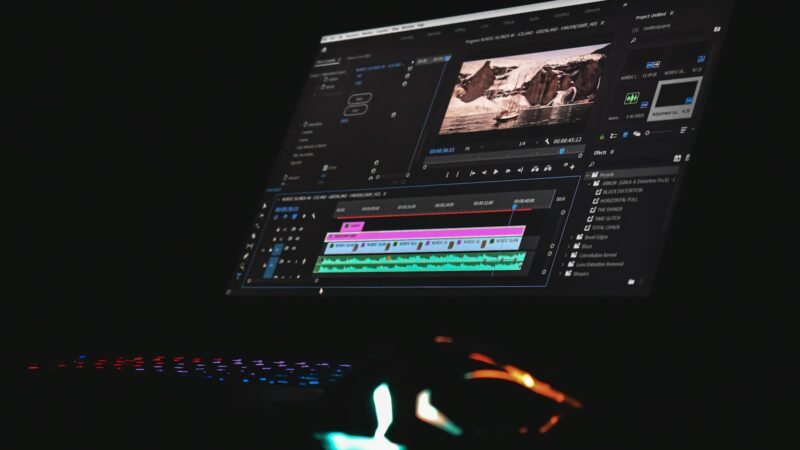

How to Clip a YouTube Video: Share a Moment or Edit Your Own Footage
Share a YouTube moment with a timestamp, understand the missing Clip button, and choose when to edit your own footage.
Teck Hustlers Where tech meets hustle!
Tech Guides is Teck Hustlers library of step-by-step, practical how-to content. Instead of broad industry commentary, this section is built around specific tasks: setting up a device, comparing storage and hardware options, troubleshooting a common problem, or understanding how a particular tool or service actually works. Guides are written to be followed directly, with clear steps and, where relevant, screenshots or direct links to the official tools and settings involved. We prioritize accuracy over speed, checking guides against current versions of the software or platforms they describe and updating them when interfaces or features change. If a guide references a specific claim, statistic, or third-party tool, we link to the source so readers can verify it themselves rather than relying solely on our summary.
Share a YouTube moment with a timestamp, understand the missing Clip button, and choose when to edit your own footage.
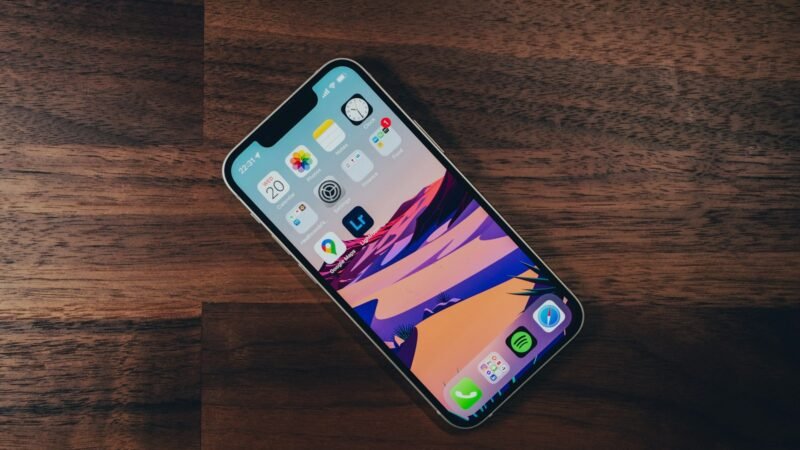
Find an app missing from your iPhone Home Screen, distinguish hidden from deleted apps, and remove the right app without…

Add your new LinkedIn position, preserve the previous role, choose network notifications and review the final profile for accuracy.

Create a QR code for a website link, check the destination, test the printed version and understand when a redirect…
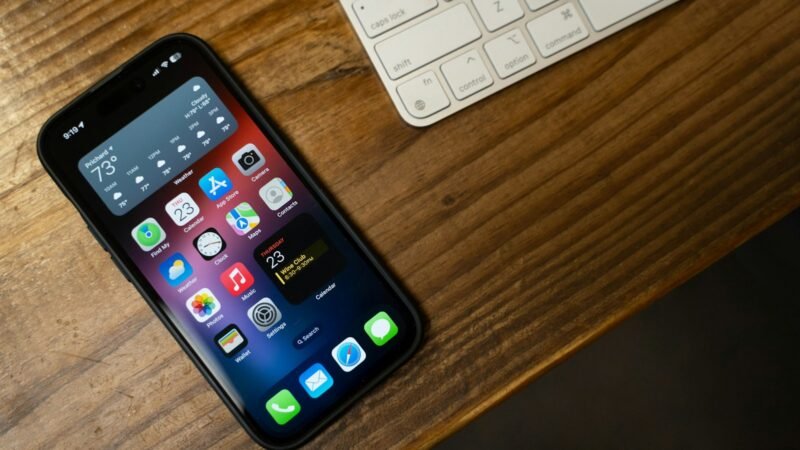
Allow a needed pop-up in Safari or Chrome on iPhone, retry the page and restore your preferred blocking settings afterward.

Check Apple Watch storage, remove unneeded downloads and synced media, and use Apple's escalation steps if an update still will…
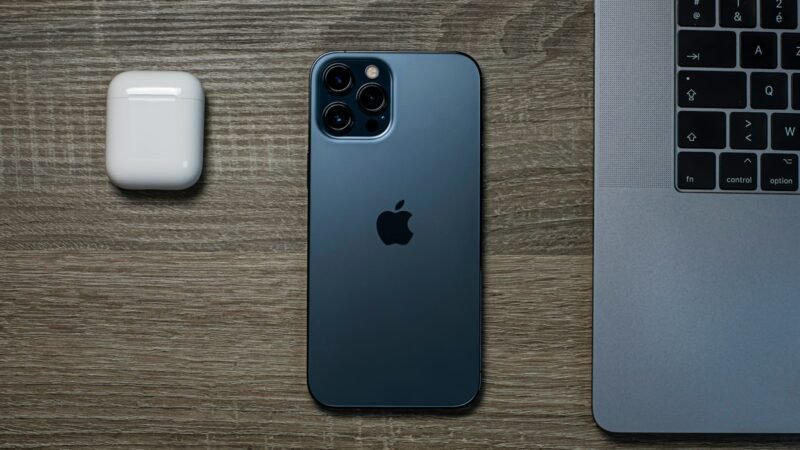
Check an iPhone No SIM warning, distinguish physical SIM and eSIM problems, and know when to contact your carrier or…

Rename your iPhone for AirDrop, understand why contacts may see another name, and test a file transfer without changing your…
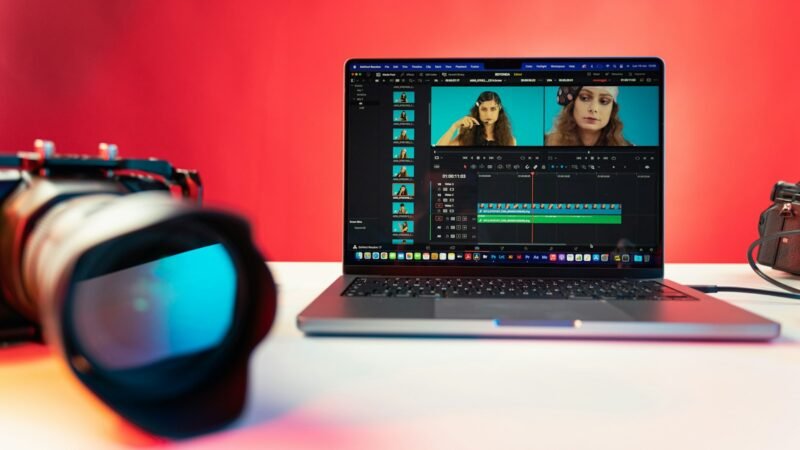
Combine iPhone videos with iMovie, arrange the clips, check transitions and audio, and export one finished video.
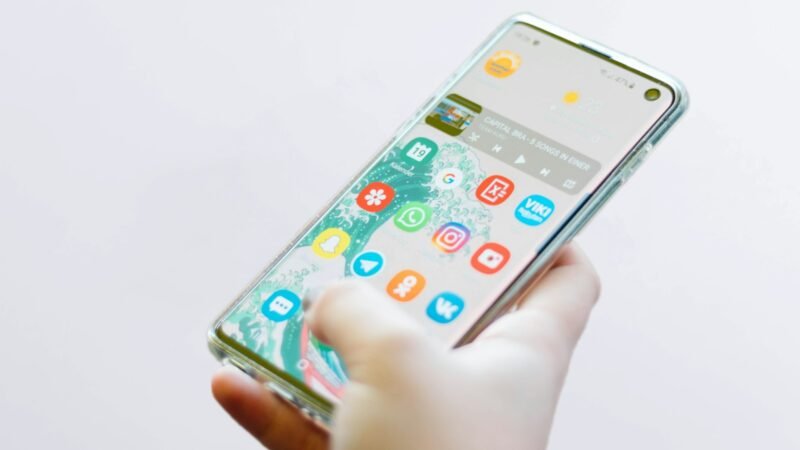
Uninstall unwanted Android apps, understand Disable versus Remove, and check subscriptions and saved data before deleting an app.