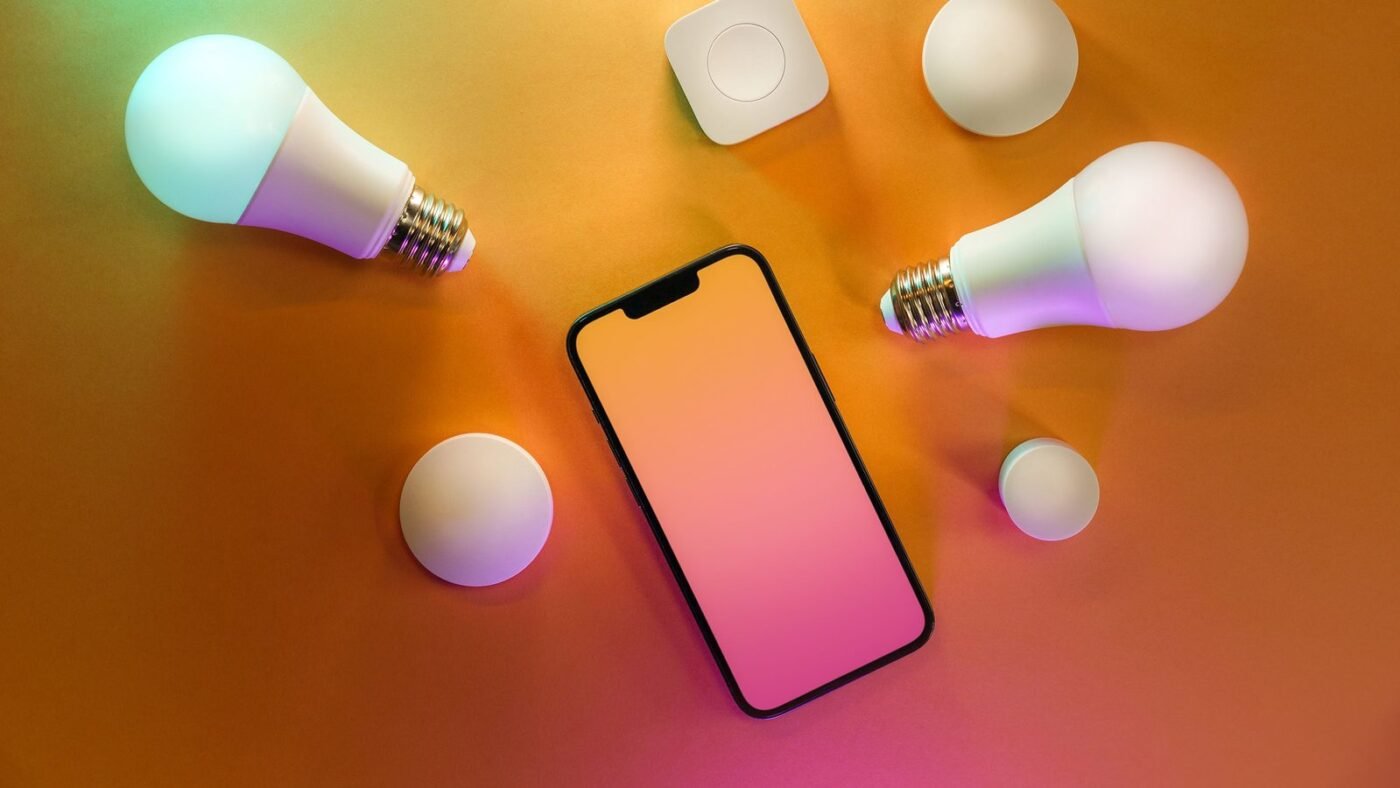
Philips Hue’s new Custom AI Behaviors feature lets you describe an automation in plain English and have the AI build it for you. It works, mostly, but the early version can’t be edited, sometimes ignores what you asked for, and gives up when it gets confused.
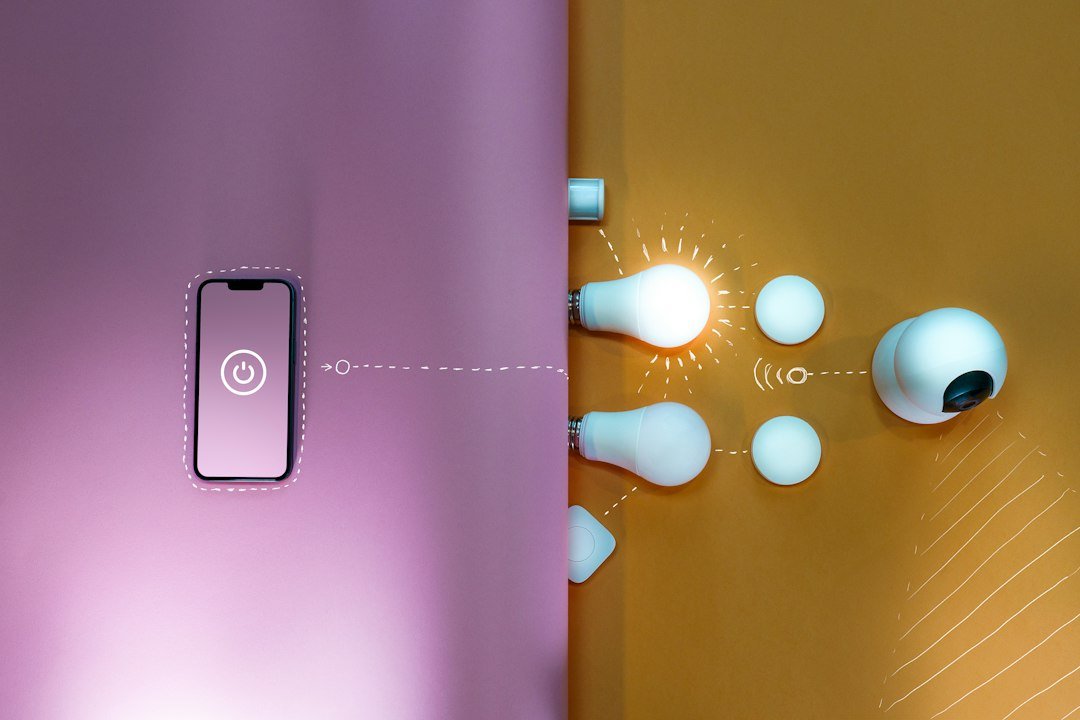
Natural language automation has been the dream for smart home tinkerers for years. Instead of digging through menus to set up triggers and conditions, you just say what you want. Philips Hue is now shipping exactly that, and the early results are a mixed bag.
Hue founder and head of technology George Yianni describes the pitch simply. You tell the app what you want your lights to do, in your own words, and the system translates it into something the Hue Bridge can actually run. “Natural language is a fantastic way to just describe arbitrarily how you would like your home to behave, and then we can use AI to translate that into a special programming language we’ve developed that runs the automation in the Bridge,” Yianni said.
Ask it to have the hallway lights turn on at sunset in a different color theme every night, and the AI writes that automation on the spot. No flowcharts, no trigger menus, just a sentence. Yianni called the shift “a bit of a game changer” for the platform, and said the personal payoff is real: “I now can finally have my home behave exactly the way I wanted to. I think that’s a really big deal.”
The feature is gated behind the Hue Bridge Pro, which also unlocks the SpatialAware scene optimization Hue rolled out earlier. Everyone else gets smaller upgrades in the same update, including an easier Screen Sync setup and better scene recommendations.
Early testing by HueBlog turned up the kind of rough edges you’d expect from a version 1.0 release. In one test, the automation was supposed to turn on only specific lights at sunset. Instead, it switched on every light in the house. When HueBlog tried asking the AI to fix its own mistake, it didn’t manage to correct the behavior. It just displayed an error message and stopped.
That points to the feature’s biggest limitation right now: there’s no way to edit what the AI builds. If the automation comes out wrong, your only option is to start over and hope for a cleaner result on the next try. Compare that to something like Apple Shortcuts, where you can open up the finished automation and tweak the individual steps by hand. Hue’s system is all or nothing. As HueBlog put it, “you’re entirely limited by the AI’s logic and reasoning. If it doesn’t cooperate, you’re out of luck.”
It’s a familiar pattern for anyone who has used a first-generation AI feature. The core idea is genuinely useful, the demo works great, and then real-world use turns up a dozen small failures that an engineer somewhere is presumably already triaging. Given how quickly software companies push fixes these days, the editing gap and the sunset bug both look like the kind of thing that gets patched within a few release cycles rather than issues baked into the architecture.
Smart home AI has been creeping into every major platform this year, from Apple’s broader push to put AI processing into more of its hardware to Google and Amazon’s competing assistant overhauls. Hue’s approach is narrower than a general-purpose assistant, but that narrowness might actually be its advantage. It isn’t trying to answer trivia questions or write your emails. It has one job, translating plain language into lighting automations, and when it works, it removes a genuine point of friction that has kept smart home setups fiddly for a decade.
Whether that’s enough to justify the Hue Bridge Pro for people who haven’t already bought in is a separate question. Right now the feature is a nice-to-have for existing power users rather than a reason to upgrade on its own, especially while the editing limitation remains unresolved. The same AI-assisted convenience is showing up in wearables too, with smart glasses makers chasing a similar promise of less fiddling and more just telling the device what you want.
Hue isn’t the only company betting on natural language as the interface for home automation. Google and Amazon have both been layering generative AI into their own smart home assistants this year, promising similar “just tell it what you want” simplicity. What sets Hue’s approach apart is how narrow it is. Google Home and Alexa+ are trying to be general-purpose assistants that happen to control your lights among a hundred other things. Hue built a system that does one job, translating language into lighting logic, and did it specifically for the hardware it already controls end to end. That focus might be exactly why the demo works as well as it does when it works, even if the failure cases are just as visible.
The Hue Bridge Pro requirement is worth dwelling on for a second, because it effectively splits the Hue user base into two tiers. Anyone still running the standard Bridge gets the smaller updates in this release, the easier Screen Sync setup and improved scene recommendations, but not the AI-generated automations themselves. That’s a reasonable way to gate a feature that clearly needs more processing power to run, but it also means a chunk of Hue’s existing customers will read about Custom AI Behaviors without being able to try it unless they buy new hardware.
How fast Hue irons out the rough edges will say a lot about how seriously the company is treating this as a flagship feature versus a marketing checkbox. The inability to edit a generated automation is the kind of limitation that sounds minor until you’ve actually hit it, at which point it becomes the only thing that matters. Shipping an edit mode, even a basic one, would probably do more to make this feature trustworthy than any amount of improved natural language understanding on the front end.
The bottom line
Describing an automation instead of building it by hand is a genuinely better way to set up a smart home, and Hue deserves credit for shipping it rather than just talking about it. But until you can edit what the AI creates, this is a feature for people willing to tolerate the occasional wrong answer in exchange for not touching a trigger menu. Hue’s version 1.0 problems look fixable. Whether they get fixed quickly enough to matter is the thing to watch.

The Teck Hustlers Editorial Team covers technology, business, finance and gaming news for readers who want the story behind the headline. Every article is researched, written and edited by our in-house team, checked against company announcements, filings and reputable reporting, and updated when new facts emerge. We focus on what each development means for founders, professionals, investors and everyday users. Have a tip or a correction? Reach us through our contact page.