TL;DR: The first MacBook Pro PROLED XDR hands-on impressions from Tom’s Guide, Engadget, The Verge and CNBC agree on three things. The tandem OLED screen is excellent, the new 3-pound 14-inch and 4-pound 16-inch bodies are noticeably lighter, and touch works smoothly but is optional rather than a reason to buy. The complaints: no Apple Pencil support, occasional stutters, a screen that can wobble under firm taps (per The Verge), and a high price. It starts at $2,899 for the 14-inch and $3,399 for the 16-inch, $400 more than comparable non-OLED models, with deliveries from November 6.
Apple’s first touchscreen Mac is here, and early testers have had their hands on it. This MacBook Pro PROLED XDR hands-on roundup collects what reviewers who tried the laptop at Apple’s October 28 event in Los Angeles said about the display, touch, design and price, plus the key specs Apple announced. These are short hands-on sessions, not full reviews, so battery life and performance claims remain untested.
MacBook Pro with PROLED XDR Display: key specs
| Spec | 14-inch | 16-inch |
|---|---|---|
| Starting price (U.S.) | $2,899 (M5 Pro); $4,499 (M5 Max) | $3,399 (M5 Pro); $4,799 (M5 Max) |
| Display | 14.2-inch tandem OLED, 120Hz, touch | 16.3-inch tandem OLED, 120Hz, touch |
| Brightness / contrast (Apple) | Up to 2,000 nits HDR and SDR; 10,000,000:1 | |
| Chips | M5 Pro or M5 Max, up to 128GB unified memory, up to 16TB storage | |
| Weight | 3 lb (M5 Pro) | 4 lb (M5 Pro) |
| Ports | 3x Thunderbolt 5, HDMI, SDXC, MagSafe, headphone jack | |
| Battery (Apple claim) | Up to 24 hours | |
| Availability | Pre-order October 28; arrives from Friday, November 6 | |
Specs and prices are from Apple’s press release. Note that this model uses M5 Pro and M5 Max, not M6. The separate, non-touch 14-inch M6 MacBook Pro starts at $1,999.
What reviewers say about the display
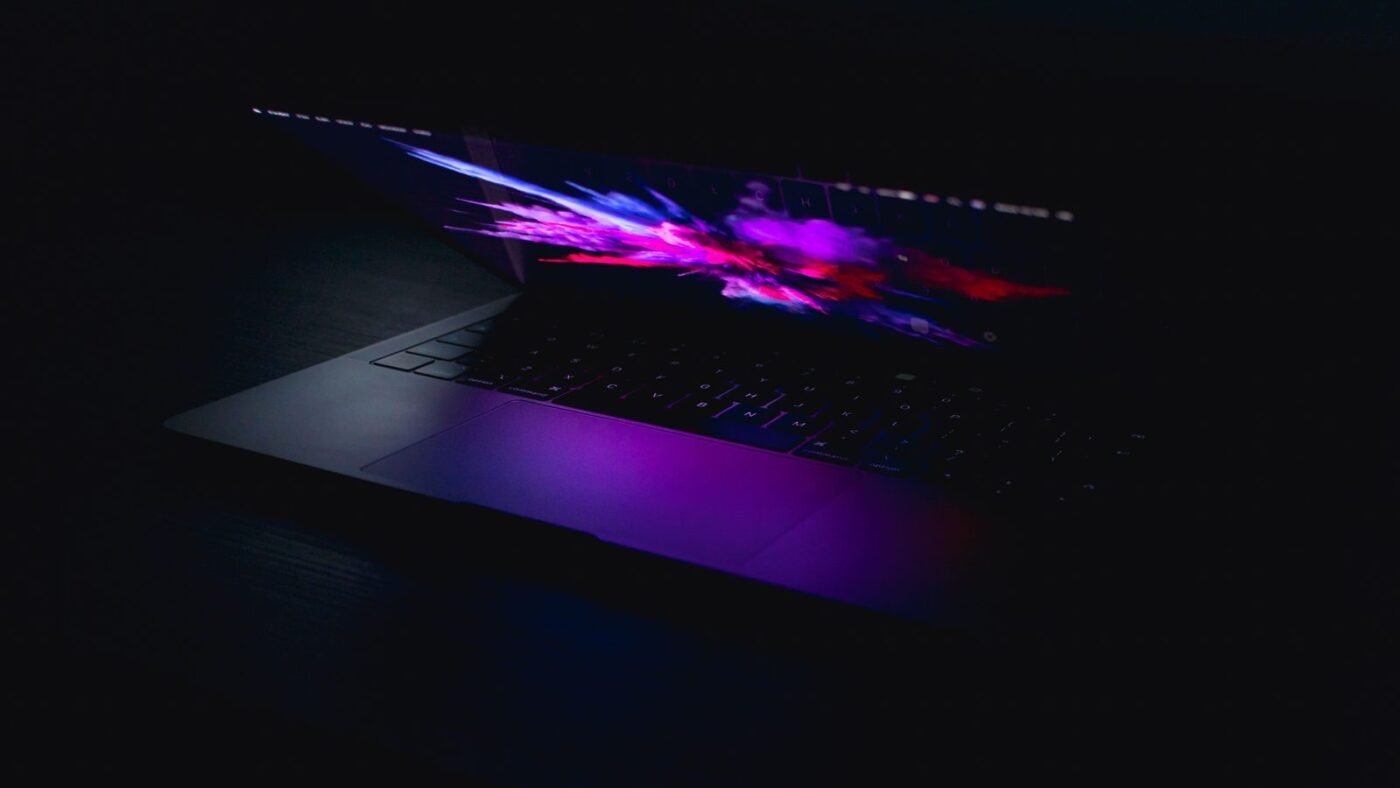
The screen got the most praise. Mark Spoonauer of Tom’s Guide called the laptop “jaw-dropping” and wrote that the 2,000-nit panel was so bright his team “had to turn down our camera to record it.” Nathan Ingraham of Engadget, who previously called the tandem OLED iPad Pro the nicest display he had seen on an Apple device, said that title “now goes to the MacBook Pro.”
Not everyone saw a dramatic leap. The Verge described the OLED as “punchy, bright, contrasty, and saturated” but noted that the previous Liquid Retina display was no slouch either, and that it was hard to judge the improvement without side-by-side testing. CNBC’s Kif Leswing said photos looked great but it was “not a night-and-day difference from past Apple laptops,” adding that many improvements target creators who need accurate color.
How touch works on the Mac
Touch is the headline feature, and testers broadly found it works well but doesn’t change how a Mac is used:
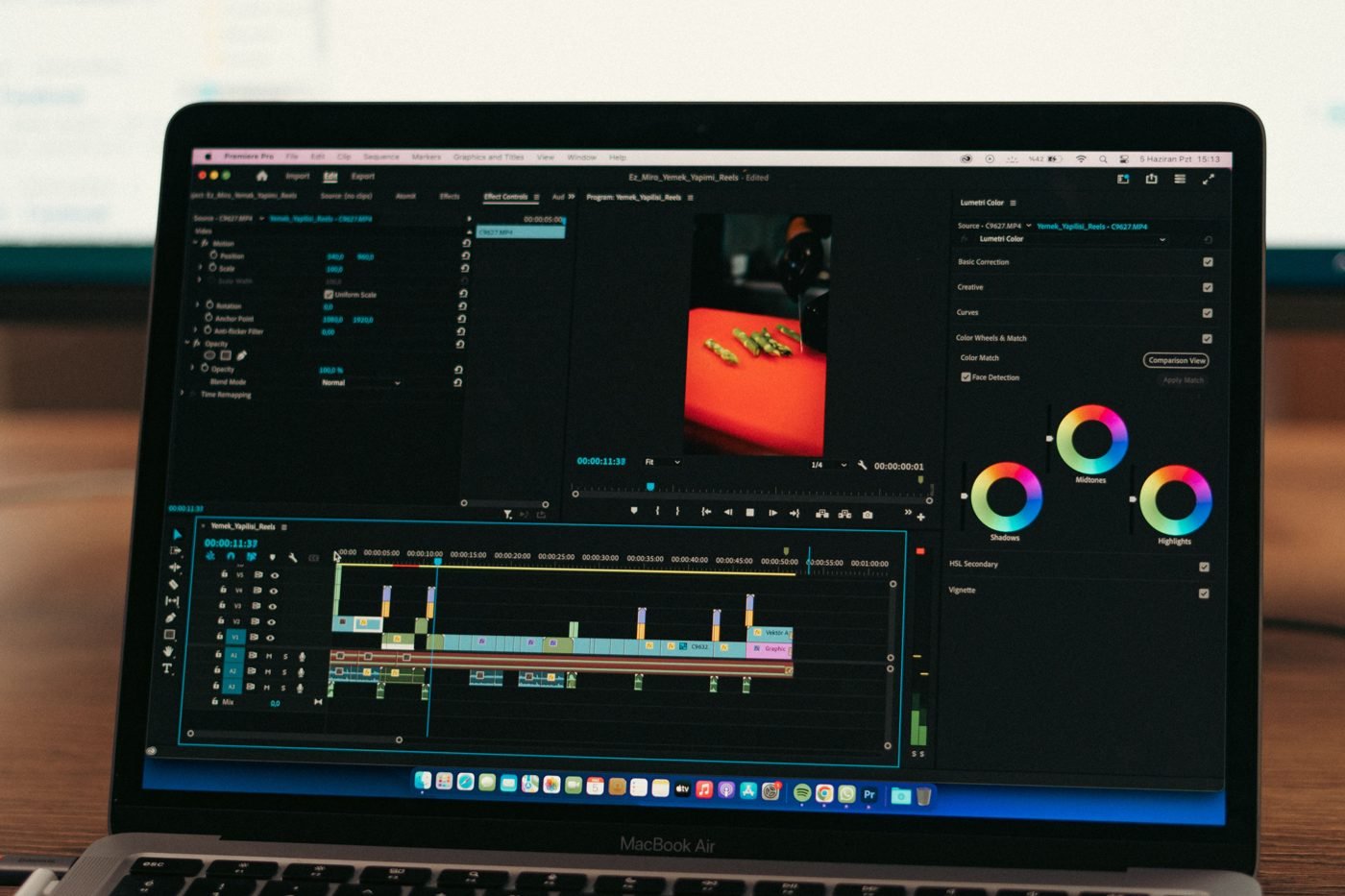
- Smooth basics. Tom’s Guide found navigation “pretty smooth” and could draw with a finger, pinch to zoom and drag video clips on a timeline.
- Familiar gestures. Engadget noted that trackpad gestures, like a three-finger swipe between full-screen apps, also work on the screen, and you can “flick” windows to tile them.
- Some rough edges. Engadget felt “occasional stutters” when switching between Spaces or full-screen apps, though it partly put that down to unfamiliarity.
- Small targets. macOS barely changes for touch. Apple enlarges some controls, like the red, yellow and green window buttons, when you touch them. The Verge pointed out that tapping small buttons with a finger can still be “fiddly.”
- Optional by design. CNBC’s main takeaway was that “touch is totally optional”: you can keep using the keyboard and trackpad as before.
Apple says macOS translates touches into clicks, so apps that haven’t been updated still respond to taps. The company lists Microsoft Office, Adobe Lightroom, DaVinci Resolve, Blender, Notion, Canva and Zoom among apps adding touch support, with those listed apps due later this year.
The missing Apple Pencil
Two outlets flagged the same gap. Tom’s Guide noted “there’s no Apple Pencil support to speak of,” and The Verge called the lack of Pencil support “a huge missed opportunity,” especially since Apple is pitching the screen to designers and illustrators.
The hinge
Apple says a newly designed hinge adds stability for touch. Reviewers disagreed on how much it helps: CNBC said the hinge “feels largely the same” as before, while The Verge said “you can make it wobble pretty easily with some firm taps toward the top of the screen.”
Design: lighter, thinner, and a glowing logo
The weight drop won wide approval. The Verge compared the 3-pound 14-inch model with the 3.4-pound M6 MacBook Pro and the 4-pound 16-inch with the 4.7-pound non-touch M5 Pro version, saying you “immediately notice the newfound lightness.” Engadget wrote that “shaving half a pound makes a huge difference,” while noting it will need longer testing to confirm the thinner design stays cool under load.
Other design notes from the hands-ons:
- The notch is replaced by a hole-punch camera and a Dynamic Island that shows music controls and volume and brightness sliders.
- The glowing Apple logo on the lid is back; The Verge says it dims with the screen and can be turned off.
- The keyboard, trackpad and port selection are essentially unchanged, which Engadget saw as a good thing compared with the 2016 redesign.
Price: the main sticking point
The Verge and Engadget both put the premium at $400 over the otherwise similar M5 Pro MacBook Pro. Engadget said the premium “at least feels justified,” while Tom’s Guide called it “one pricey laptop” that could be worth it for people who work with photos and video daily. Engadget also pointed to the ongoing memory and storage price crisis as a factor in high-end pricing.
Early verdict at a glance
| Outlet | Liked | Concerns |
|---|---|---|
| Tom’s Guide | Display brightness, 3-lb weight, ports | Price, no Pencil support |
| Engadget | Best Apple display yet, lighter design, unchanged keyboard | Occasional touch stutter; thermals still untested |
| The Verge | Weight, Dynamic Island, glowing logo | Screen wobble, fiddly small targets, no Pencil |
| CNBC | Fingerprint-resistant coating, touch is optional | Display gain is not night-and-day |
Should you wait for full reviews?
Yes, if you can. Battery life, sustained performance and how well third-party apps handle touch can only be judged with longer testing. If you mainly want a lighter MacBook Pro with the best screen Apple sells, the early impressions are very positive. If touch is the draw, the hands-ons suggest it is a pleasant extra rather than a new way of computing, at least until more apps adapt. For more of our hands-on coverage, see our iPhone Duo review roundup.
FAQ
How much is the touchscreen MacBook Pro?
It starts at $2,899 for the 14-inch with M5 Pro and $3,399 for the 16-inch with M5 Pro, according to Apple.
Does the MacBook Pro PROLED XDR support Apple Pencil?
No. Hands-on reports from Tom’s Guide and The Verge say there is no Apple Pencil support.
When does it ship?
Pre-orders opened October 28, and Apple says deliveries begin Friday, November 6.

The Teck Hustlers Editorial Team covers technology, business, finance and gaming news for readers who want the story behind the headline. Every article is researched, written and edited by our in-house team, checked against company announcements, filings and reputable reporting, and updated when new facts emerge. We focus on what each development means for founders, professionals, investors and everyday users. Have a tip or a correction? Reach us through our contact page.