TL;DR: What is a wireframe? A wireframe is a simple, mostly black-and-white blueprint of a web page or app screen that shows where things go (navigation, headings, images, buttons, forms) before any colors, fonts or final copy are added. It exists to settle structure, content priority and user flow early, when changes are cheap. Wireframes range from rough paper sketches (low fidelity) to detailed grayscale layouts (high fidelity), and they come before mockups and prototypes in the design process.
If you have ever sat in a meeting where everyone argued about a button color while nobody had agreed on what the page was for, you already understand why wireframes exist. So what is a wireframe, exactly, and how do you make a good one? This guide covers the definition, the different fidelity levels, how wireframes compare with mockups and prototypes, and a simple step-by-step process you can follow today.
What is a wireframe in design?
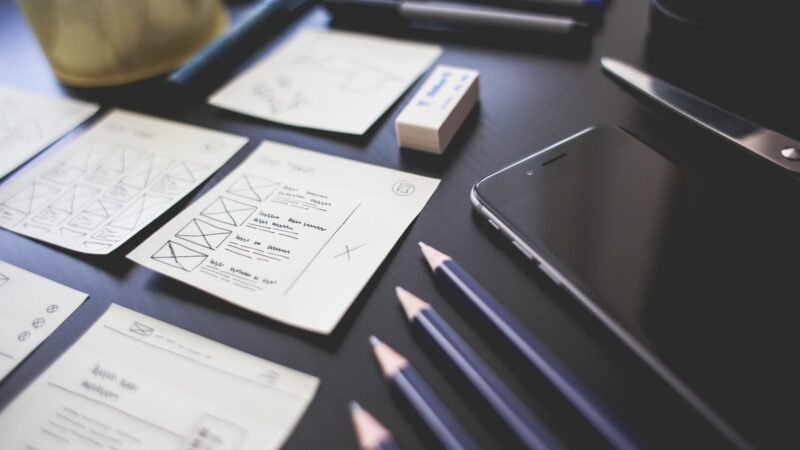
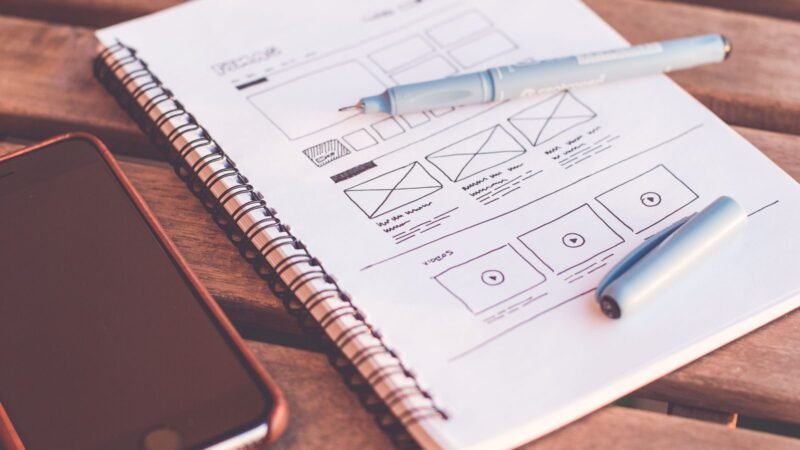
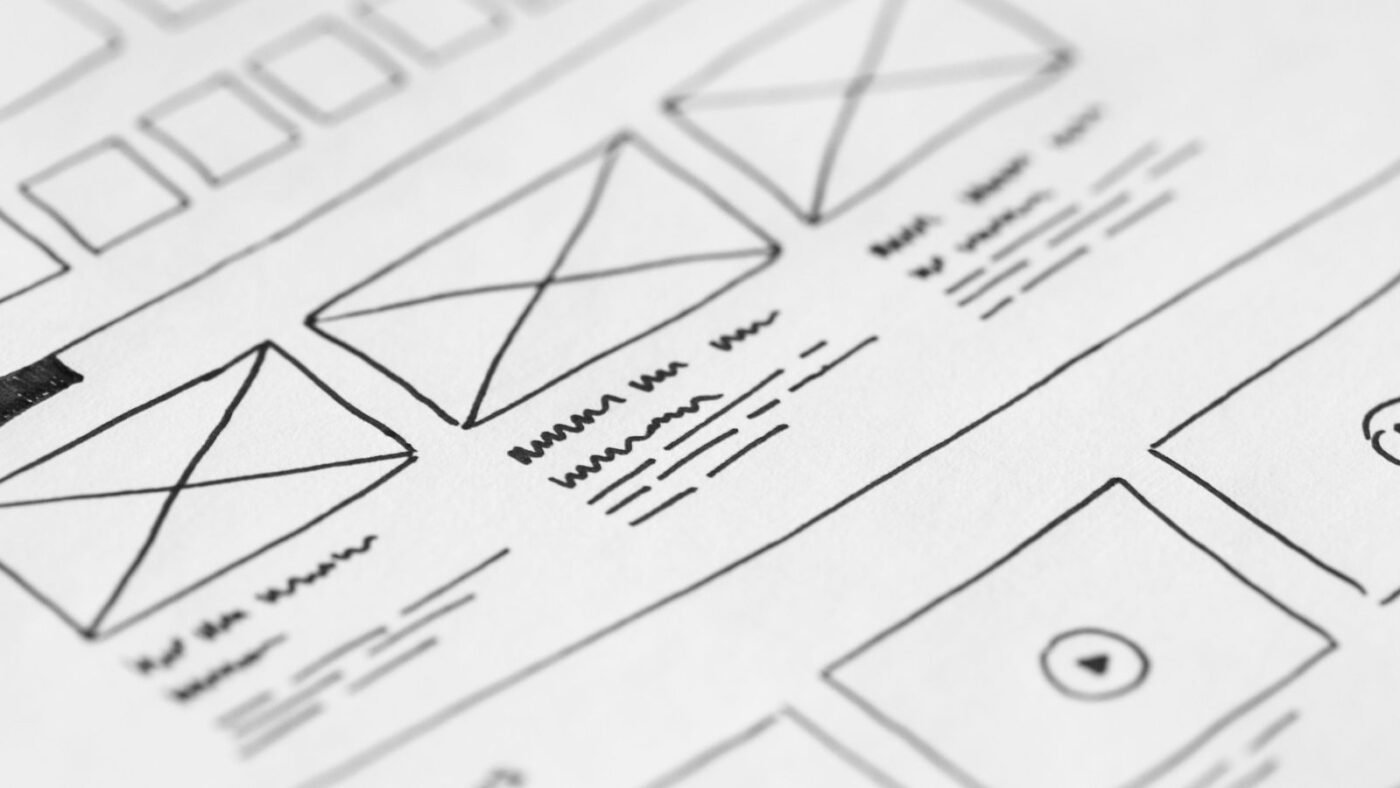
A wireframe is a skeletal layout of a screen. Figma describes wireframing as creating a blueprint that shows a page’s layout, content hierarchy and functionality before visual design begins. Boxes stand in for images, lines stand in for text, and labels explain what each element does.
The name comes from the “wire-frame” models used in early 3D computer graphics, which showed an object’s structure as lines without any surface detail. A website wireframe does the same thing for an interface: all structure, no decoration.
What a wireframe usually includes
- Header and navigation, including the logo position and main menu items
- Content blocks and their order of importance
- Placeholder images (usually a box with an X through it)
- Headings and text areas, often with “lorem ipsum” or rough draft copy
- Calls to action such as buttons and links
- Forms, search bars and other interactive elements
- Footer content and secondary links
- Short annotations explaining behavior, such as “opens a modal” or “sticky on scroll”
What it deliberately leaves out: brand colors, final typography, photography and polished copy. Those decisions come later, and keeping them out stops reviewers from getting distracted.
Why wireframes matter
Wireframes are a core part of UX design because they force the important questions first. What is the main goal of this page? What does a visitor need to see first? How do they get from here to checkout? Answering those with gray boxes is far faster than redesigning a finished, coded page.
They also give teams a shared language. Developers can estimate effort, writers can see how much space they have, and stakeholders can approve the structure before money is spent on visuals. The Nielsen Norman Group has long argued that low-fidelity work lets you test and change ideas cheaply, which is exactly the role wireframes play.

Low-fidelity vs high-fidelity wireframes
“Fidelity” means how closely a wireframe resembles the finished product. Most projects move from low to high as decisions firm up.
| Low-fidelity | Mid-fidelity | High-fidelity | |
|---|---|---|---|
| Looks like | Hand sketch or rough boxes | Clean grayscale layout drawn in software | Detailed layout with real spacing, near-final copy and components |
| Time to make | Minutes | An hour or two per screen | Several hours per screen |
| Best for | Brainstorming and exploring many ideas | Agreeing on structure and flow | Developer handoff and usability testing |
| Typical tools | Paper, whiteboard, Balsamiq | Figma, Penpot, Whimsical | Figma, Sketch, Penpot |
Wireframe vs mockup vs prototype
These three terms get mixed up constantly. Figma’s own comparison draws the line like this, and it is a useful rule of thumb:
- Wireframe: structure and layout. Static, mostly grayscale.
- Mockup: what it will look like. Adds colors, fonts, images and branding, often built from a design system.
- Prototype: how it will work. Clickable screens that simulate the real experience so you can test flows with users.
In practice the lines blur. Many teams turn high-fidelity wireframes straight into clickable prototypes to test navigation before any visual design happens.
How to make a wireframe in 6 steps
- Define the goal. Write one sentence on what the screen must achieve, such as “get visitors to book a demo.”
- List the content. Gather every element the page needs and rank it by importance. Content comes before layout.
- Sketch the user flow. Map how people arrive and where they go next. A wireframe for one screen should make sense in the journey around it.
- Start rough. Draw two or three low-fidelity versions on paper. Quantity beats polish at this stage.
- Build it digitally. Pick the strongest layout and recreate it on a grid in your tool of choice. Design mobile and desktop versions, since the order of content often changes on small screens.
- Annotate and test. Add notes on interactions, then show it to a few users or teammates and ask them to complete a task. Fix what confuses them.
Common wireframing mistakes
- Adding color and real images too early, which turns feedback into a debate about taste.
- Forgetting mobile, then discovering the layout collapses on a phone.
- Using placeholder text everywhere, so nobody notices the real headline will not fit.
- Ignoring accessibility. Plan heading order, focus states and readable color contrast from the start.
Best wireframing tools in 2026
Figma remains the default for most product teams thanks to its free tier, real-time collaboration and wireframe kits. If you are choosing between tools, our comparisons of Figma vs Canva and Figma vs Framer break down the trade-offs. Balsamiq is popular for deliberately sketchy low-fi work, Whimsical and Miro suit quick flows, and Penpot is an open-source option. AI tools can now generate a first-draft layout from a text prompt, as we explored in Figma vs Claude Design, but you still need to check that the structure matches your users’ goals.
The bottom line
What is a wireframe? It is the cheapest, fastest way to decide what goes on a screen and why, before anyone spends time on colors or code. Start rough, focus on content and flow, test early and only then move on to mockups and prototypes. Teams that skip this step usually end up doing it anyway, just later and at a much higher cost.

The Teck Hustlers Editorial Team covers technology, business, finance and gaming news for readers who want the story behind the headline. Every article is researched, written and edited by our in-house team, checked against company announcements, filings and reputable reporting, and updated when new facts emerge. We focus on what each development means for founders, professionals, investors and everyday users. Have a tip or a correction? Reach us through our contact page.