TL;DR: Here’s how to use ChatGPT for interior design without wasting hours: upload a photo of your room, tell it your style, budget and what has to stay, then ask for a color palette, a few layout options and a shopping list by category. Use its image generator to visualize a redesign of your own photo, and refine it through conversation. ChatGPT is great for ideas, palettes and planning, but it isn’t reliable for exact measurements or spatial precision, so always measure your space yourself and check every product before you buy.
What ChatGPT can (and can’t) do for your home
If you’re wondering how to use ChatGPT for interior design, think of it as a patient design assistant that never gets tired of “one more version.” Two features do most of the work. First, ChatGPT can look at photos you upload. OpenAI’s image inputs FAQ says this works on Free and paid plans, on the web and mobile apps, with images up to 20MB in PNG, JPEG or non-animated GIF format. Second, ChatGPT can generate and edit images. When OpenAI introduced native image generation, it said the model can transform uploaded images and keep results consistent as you refine them over several turns.
| Good at | Not reliable for |
|---|---|
| Naming your style and suggesting how to get there | Exact measurements and clearances |
| Color palettes, including hex codes | Accurately judging distances or room size from a photo |
| Several layout ideas to compare | Structural, electrical or plumbing changes |
| Shopping lists by category and budget | Current prices and stock at specific stores |
| Visualizing a redesign of your own room photo | Showing exactly how a real product will look in your space |
OpenAI itself lists limits worth knowing: the model “struggles with tasks requiring precise spatial localization,” struggles with panoramic and fisheye images, and may only give approximate counts of objects. That’s why the tape measure stays in charge.
How to use ChatGPT for interior design, step by step
1. Give it a good photo and the basics
Take a straight-on photo of the room in daylight, from a corner if possible, and avoid wide-angle or panorama modes. Then add the details a designer would ask for: room dimensions you’ve measured, window and door positions, what furniture you’re keeping, who uses the room, pets or kids, and your budget.
2. Find your style
Many people know what they like but can’t name it. Upload three or four inspiration images you’ve saved and ask ChatGPT what they have in common. It can describe the style (for example “warm minimalist” or “Japandi”) and list the materials, shapes and colors that create that look.
3. Build a color palette
Ask for a palette that works with things you can’t change, like flooring or a kitchen counter. A useful framework is the 60-30-10 rule. As Ideal Home explains, it suggests giving 60% of a room’s color to a dominant hue, 30% to a secondary color and 10% to an accent. Ask ChatGPT to assign each color to specific items, such as walls, sofa, curtains and cushions, and to give you hex codes so you can match paint samples. If you work with color on screen too, our guide to color contrast for designers explains how contrast changes how a palette feels.
4. Compare layout options
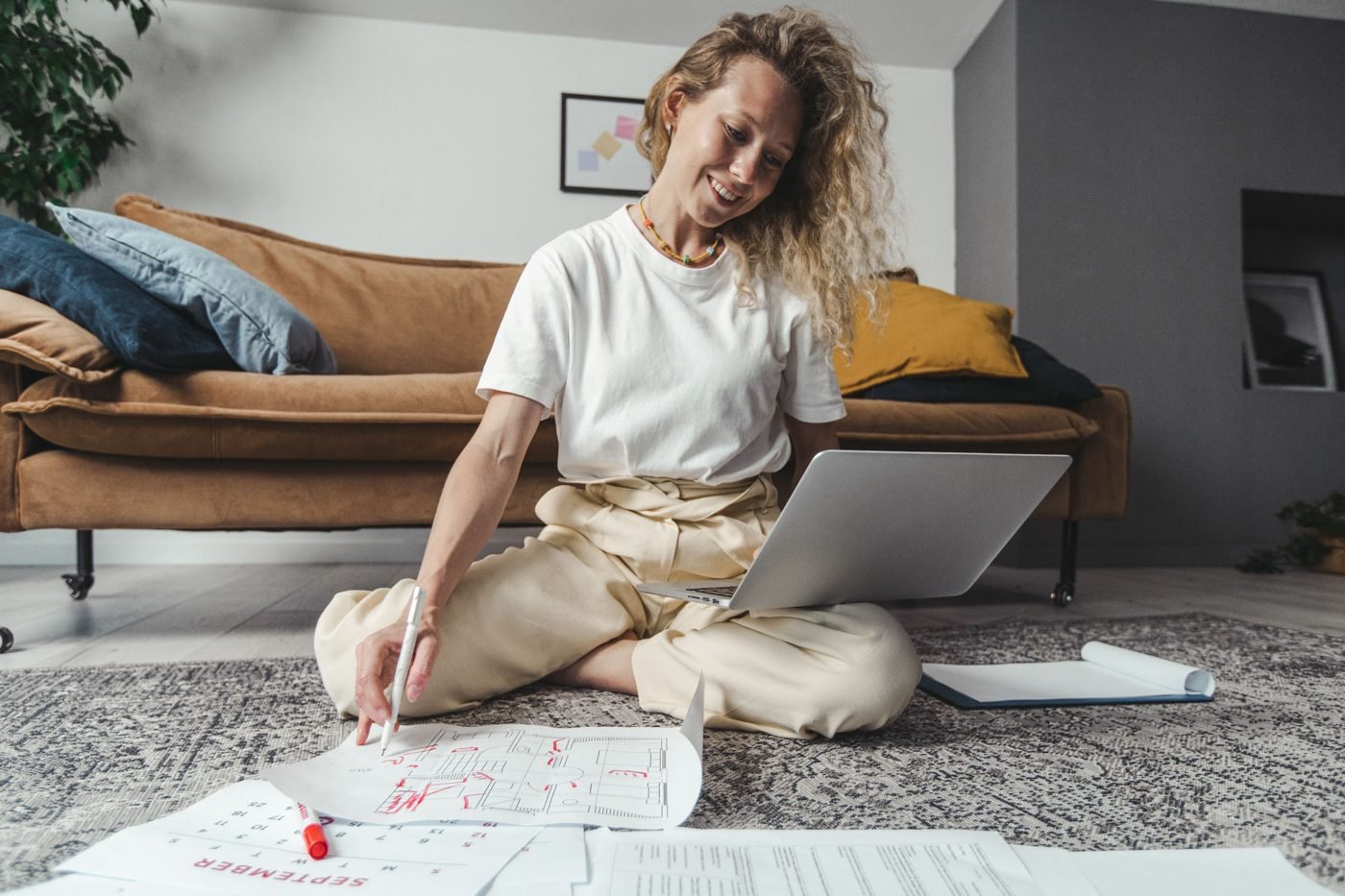
Ask for three different furniture arrangements and the trade-offs of each: walking paths, where the TV goes, conversation areas and light from windows. Treat these as ideas to test with your real measurements, not finished floor plans.
5. Turn it into a shopping list
Ask for a list grouped by category (lighting, textiles, storage, decor) with a rough budget for each and what to buy first. ChatGPT may not know current prices or what a specific store has in stock, so use the list to guide your search, then check sizes, prices and reviews yourself.
6. Visualize the result
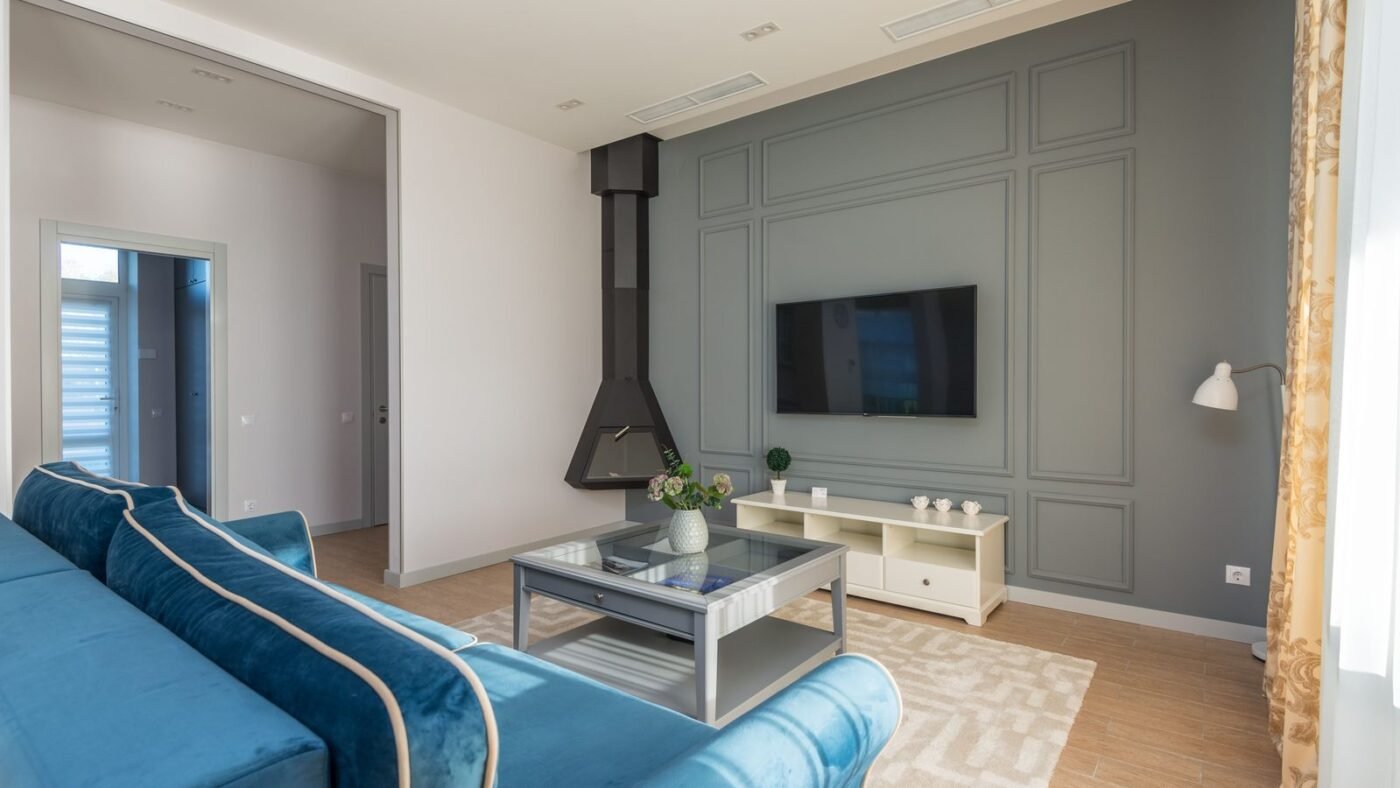
Upload your room photo and ask ChatGPT to redesign it in your chosen style while keeping the windows, doors and floor the same. Then refine: “make the sofa green,” “remove the rug,” “add warmer lighting.” Remember that generated images are inspiration. Furniture proportions and details may not match real products.
8 ChatGPT prompts for interior design
- Room brief: “Here’s a photo of my living room. It’s 4 x 5 meters, faces north and gets little sun. I’m keeping the grey sofa and oak floor. My budget is $800. Suggest three ways to make it feel warmer and more modern.”
- Style finder: “These four images are rooms I love. What style are they, and what five things make that style work?”
- Palette: “Create a 60-30-10 color palette for a bedroom with white walls and walnut furniture. Give hex codes and tell me which items each color goes on.”
- Layout: “Give me three furniture layouts for a 3 x 4 meter home office with a window on the long wall and a door in the corner. List the pros and cons of each.”
- Small space: “My studio apartment has to work as a bedroom, office and dining area. Suggest zoning ideas and multi-use furniture.”
- Budget plan: “I have $500 to refresh my kitchen without renovating. Rank upgrades by impact per dollar.”
- Visualize: “Redesign this photo of my bedroom in a Japandi style. Keep the window, bed position and floor unchanged.”
- Shopping list: “Turn this plan into a shopping list grouped by category, with the size I should look for and a price range for each item.”
The same habit that makes these work, giving context first and asking for options, applies to other tasks. Our guide on how to use ChatGPT for your job search uses the same approach.
Common mistakes to avoid
- Trusting measurements from a photo. Always measure the room and furniture yourself.
- Buying straight from a generated image. AI renders can show furniture that doesn’t exist or wouldn’t fit.
- Being vague. “Make it nice” gets generic results. Style, budget, constraints and how you use the room get useful ones.
- Skipping the pros for big changes. Moving walls, wiring or plumbing needs a qualified contractor, not a chatbot.
- Sharing too much. Avoid uploading photos that show documents, addresses or anything private.
ChatGPT vs. dedicated AI room design apps
Dedicated AI room-design apps can be faster for one-click restyles, while ChatGPT’s strength is the conversation: you can explain your life, ask why something works and change direction freely. If images are your main goal, compare options in our roundup of the best AI image generators. If you want ChatGPT to research and compare products for you over many steps, that moves into agent territory, which we explain in agentic AI vs generative AI.
The bottom line
Using ChatGPT for interior design works best when you treat it as a brainstorming partner. Give it a clear photo, honest constraints and a budget, and it can help you name your style, build a palette, compare layouts and picture the finished room. Then step back into the real world: measure, check products and make the final call yourself. And if you enjoy this kind of work, there are ways to turn it into income, as covered in our guide on how to use ChatGPT to make money.

The Teck Hustlers Editorial Team covers technology, business, finance and gaming news for readers who want the story behind the headline. Every article is researched, written and edited by our in-house team, checked against company announcements, filings and reputable reporting, and updated when new facts emerge. We focus on what each development means for founders, professionals, investors and everyday users. Have a tip or a correction? Reach us through our contact page.