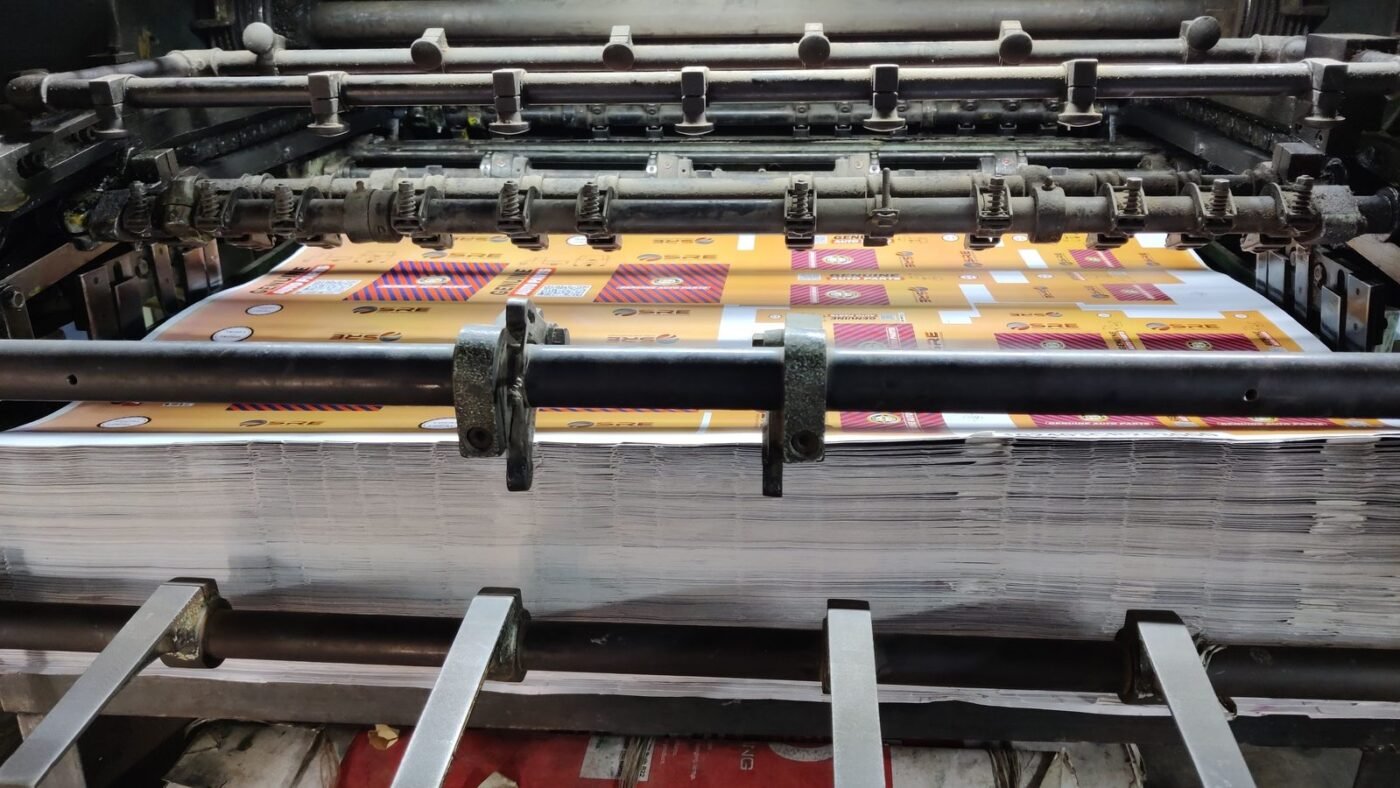
TL;DR: RGB vs CMYK comes down to where your design will end up. RGB (red, green, blue) mixes light and is used for screens: websites, apps, social media and video. CMYK (cyan, magenta, yellow, black) mixes ink and is used for printing: flyers, business cards, packaging and books. Design in RGB for anything digital, and convert to the right CMYK profile before sending a file to a commercial printer, because bright screen colors often look duller on paper.
Ever printed a poster that looked electric on your monitor, only to get back something flat and muddy? That’s the RGB vs CMYK problem in action. It catches out beginners and experienced designers alike. Here’s what the two color modes are, how they differ, and exactly when to use each one.
What is RGB?
RGB stands for red, green and blue, the three colors of light that screens use. Every pixel on your phone, laptop or TV is made of tiny red, green and blue lights. By changing how bright each one is, a screen can show millions of colors.
RGB is called an additive color model. As Adobe’s color guide explains, combining red, green and blue light at full intensity produces white. Turn them all off and you get black.
In most design apps, each RGB channel runs from 0 to 255. So:
0, 0, 0is black255, 255, 255is white- Equal values, like
128, 128, 128, give a gray - A bright red might be
246, 20, 50(Adobe’s own example)
On the web, you’ll usually see RGB written as a hex code like #FF0000, or in CSS as rgb(255 0 0), as defined in the W3C’s CSS Color specification.
What is CMYK?
CMYK stands for cyan, magenta, yellow and key (black). These are the four process inks used in most commercial printing. Instead of giving off light, ink absorbs some of the light that hits the paper and reflects the rest back to your eyes.
That’s why CMYK is a subtractive model: the more ink you add, the darker the result. In theory, cyan, magenta and yellow together make black. In practice they make a muddy dark brown, so printers add a separate black ink for crisp text and deep shadows. Adobe notes the letter K came into use because black is the “key” color used to line up the other plates, and because B could be confused with blue.
CMYK values are percentages from 0% to 100% for each ink. Adobe’s example of a bright red in CMYK is 2% cyan, 93% magenta, 90% yellow and 0% black.
RGB vs CMYK: the key differences
| RGB | CMYK | |
|---|---|---|
| Stands for | Red, green, blue | Cyan, magenta, yellow, key (black) |
| Color model | Additive (light) | Subtractive (ink) |
| Used for | Screens: web, apps, social, video | Print: flyers, cards, packaging, magazines |
| Values | 0 to 255 per channel, or hex codes | 0% to 100% per ink |
| All values at maximum | White | Very dark, close to black |
| Color range (gamut) | Wider, with bright, saturated colors | Narrower, so neon and very vivid colors can’t be printed |
| Common file types | PNG, JPG, WebP, SVG | PDF (print-ready), TIFF, EPS |
Why colors change when you print
The big practical difference is gamut, the range of colors a system can reproduce. A print color guide from UCLA’s Design Media Arts department puts it simply: RGB has a wider gamut than CMYK, so not every color on screen can be printed. The difference is most obvious with bright, vibrant colors. Neon greens, electric blues and hot pinks are the usual problems.
When a color falls outside what the printer can make, it is “out of gamut” and gets swapped for the nearest printable color. That’s where the dull, flat look comes from. It also works the other way, since some ink colors can’t be shown exactly on a monitor.
Color spaces: sRGB, Adobe RGB and CMYK profiles
RGB and CMYK are color models. Inside each model are specific color spaces. RGB includes sRGB (the standard for the web), Adobe RGB (a wider space popular with photographers) and others. CMYK has profiles matched to particular presses and papers, such as coated or uncoated stock. Ask your printer which profile they want. Using the right one matters more than most people expect.
When to use RGB and when to use CMYK
Use RGB for:
- Websites, landing pages and email graphics
- Social media posts, thumbnails and ads
- App and UI design (see our guide to UI vs UX design)
- Video, animation and presentations shown on screens
Use CMYK for:
- Business cards, flyers, brochures and posters
- Packaging, labels and stickers
- Books, magazines and printed reports
- Merchandise printed with process inks
How to convert RGB to CMYK without nasty surprises
- Ask the printer first. Get their preferred CMYK profile, file format and bleed settings before you start.
- Start in the right mode. If a project is print-only, set your document to CMYK from day one so you aren’t designing with colors you can’t print.
- Soft-proof on screen. Tools like Photoshop, Illustrator and InDesign can preview how colors will look in CMYK and warn you about out-of-gamut colors.
- Adjust vivid colors by hand. Don’t rely on automatic conversion for brand colors. Pick the closest CMYK value you’re happy with.
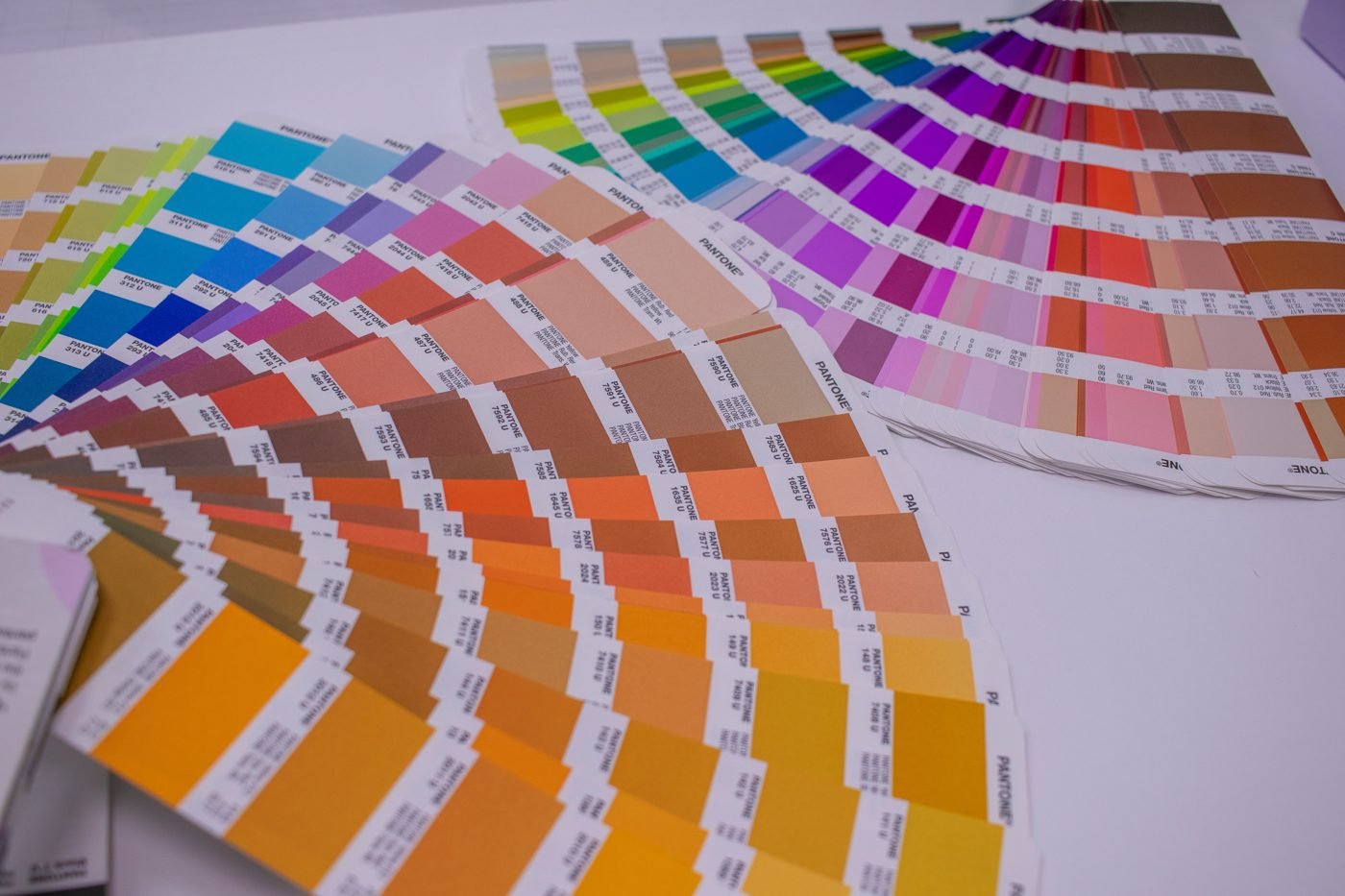
- Use spot colors when exact color matters. For logos, systems like Pantone let printers mix a specific ink instead of building it from CMYK.
- Order a proof. A printed proof is the only true test of how colors will look on the final paper.
RGB vs CMYK for brand colors
Most brands need both. A good brand guide lists each color in hex/RGB for screens, CMYK for print and often a Pantone match too. If you’re building one, our guide to design systems explains how to document colors as reusable tokens, and our color contrast guide covers making sure your screen colors are readable for everyone.
Quick FAQ
Is RGB or CMYK better?
Neither is better overall. RGB is right for screens, CMYK is right for print.
Can I send an RGB file to a printer?
Many printers will convert it for you, but you lose control over how colors shift. Converting yourself and checking a proof is safer.
Should I design a logo in RGB or CMYK?
Design it as a vector file and define official values for both, plus a spot color if you’ll print it often.

The Teck Hustlers Editorial Team covers technology, business, finance and gaming news for readers who want the story behind the headline. Every article is researched, written and edited by our in-house team, checked against company announcements, filings and reputable reporting, and updated when new facts emerge. We focus on what each development means for founders, professionals, investors and everyday users. Have a tip or a correction? Reach us through our contact page.