TL;DR: Nvidia RTX Spark laptops went on sale on October 16 from ASUS, Dell, HP, Lenovo, Microsoft and MSI, starting at $2,599. The chip pairs a Blackwell RTX GPU with a Grace CPU and up to 128GB of unified memory. Early reviews of Microsoft’s Surface Laptop Ultra agree on the strengths (a strong GPU, big memory for local AI, a superb display) and the weaknesses (CPU and battery life behind Apple’s MacBook Pro, and Windows software that hasn’t caught up with the hardware yet).
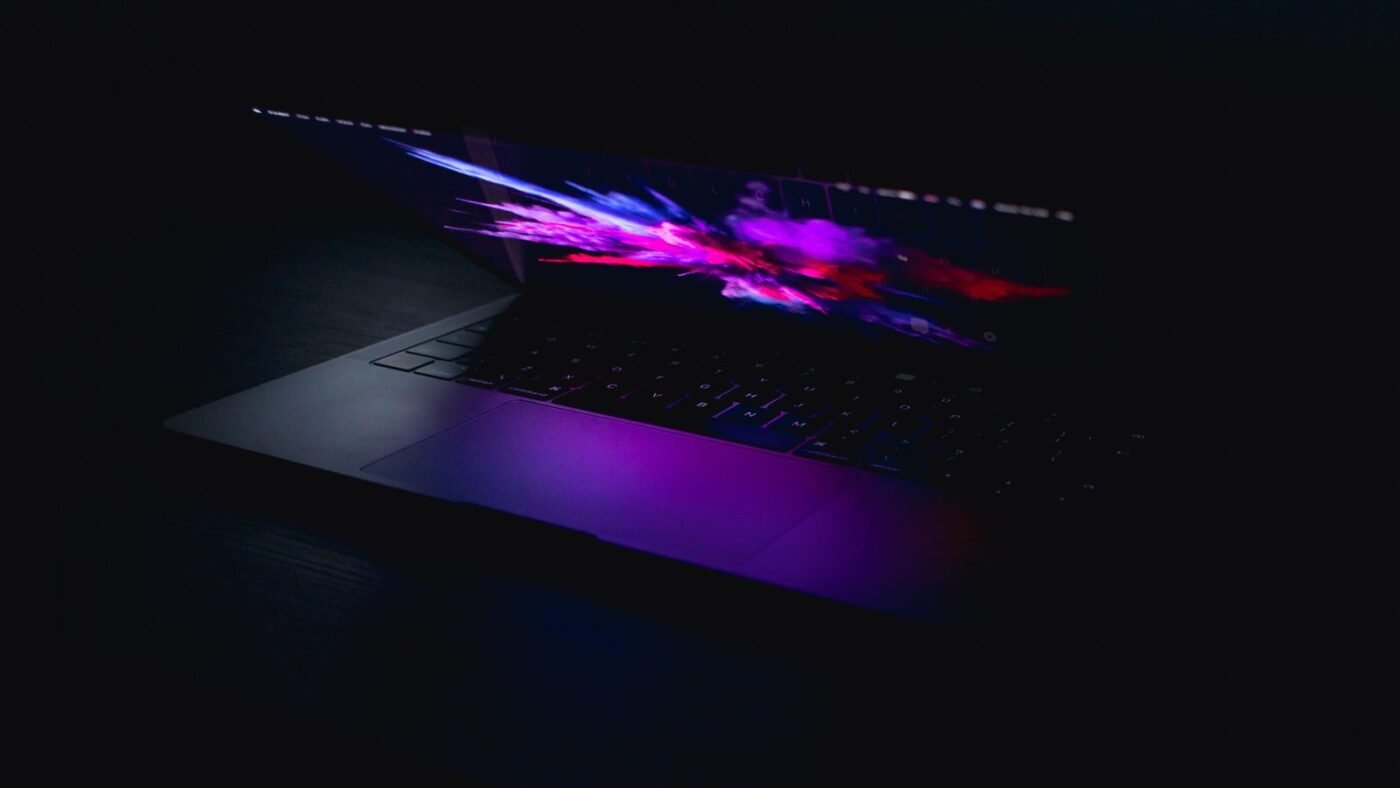
RTX Spark laptops are now available, and the first reviews are in. Nvidia announced on October 16 that its RTX Spark laptops are available today from six PC makers, calling them “a new beginning for Windows PCs.” It marks Nvidia’s entry into laptop chips that combine the CPU and GPU, and Microsoft, for one, is aiming its version at would-be MacBook Pro buyers, according to Ars Technica. Here are the models, the prices, and what reviewers found after a week of testing.
What is RTX Spark?
Nvidia describes RTX Spark as a single “superchip” that combines an Nvidia Blackwell RTX GPU and an Nvidia Grace CPU with up to 128GB of unified memory and up to 1 petaflop of FP4 AI performance. MediaTek collaborated on the custom CPU design. Because the CPU and GPU share one memory pool, Nvidia says creators and developers can run large local AI models and render 3D scenes of 90GB or more on a slim laptop. It also claims 1440p gaming at over 100 frames per second in AAA titles.
The top chip, the RTX Spark N1X, has a 6,144-core Blackwell GPU and a 20-core Grace CPU, according to ASUS’s spec sheet. Entry configurations use a cut-down version. Ars Technica lists the base Surface Laptop Ultra chip as 18 CPU cores and 5,120 GPU cores. These machines run Windows 11 on Arm, so apps not built for Arm run through Microsoft’s Prism emulator.
We first covered the platform around Microsoft and Nvidia’s October 7 Windows event, and Microsoft’s broader bet on AI that runs locally on Windows PCs.
Every RTX Spark laptop and its starting price
| Laptop | Starting price | Shipping | Notable |
|---|---|---|---|
| Microsoft Surface Laptop Ultra (15-inch) | $2,599.99 | Oct 16 | Mini-LED display, magnetic USB-C charging |
| ASUS ProArt P14 | $2,599.99 | Oct 16 | 3K OLED, 90Wh battery, 3.26 lbs |
| ASUS ProArt P16 | $2,799.99 | Oct 16 | Up to 4K OLED, 99.9Wh battery |
| HP OmniBook X 14 | $2,999.99 | Nov 4 (expected) | Smaller of HP’s two models |
| HP OmniBook Ultra 16 | $3,199.99 | Nov 4 (expected) | 3K OLED |
| MSI Prestige N16 Flip AI+ | $3,299.99 | Preorder | Convertible, Tandem OLED |
| Dell XPS 16 | $3,799.99 | Oct 16 | 3.2K OLED |
Prices and dates come from Windows Central’s preorder roundup and ASUS’s announcement. Nvidia’s lineup also includes the Lenovo Yoga Pro 9n and the MSI Prestige N16. Nvidia says pricing and configurations vary by region.
What the first Surface Laptop Ultra reviews say
Microsoft’s Surface Laptop Ultra is the model most outlets reviewed first. Configurations run from $2,599.99 (24GB memory, 512GB SSD, Windows 11 Home) to $5,899.99 (128GB, 1TB). Tom’s Hardware reports that the top configuration “sold out almost immediately during pre-orders on Microsoft’s website.”
The good
- Local AI with big models. Ars Technica ran the 43GB Llama 3.3 70B model through Ollama on a 64GB unit at 6.26 tokens per second, a model it says “would be unlikely to run on any discrete laptop GPU.”
- Gaming on Arm. Tom’s Guide found the GPU lines up “pretty much neck-and-neck with the RTX 5070,” with Cyberpunk 2077 at 39 fps at 1080p Extreme with ray tracing and no DLSS, and 80 fps with DLSS.
- Same speed unplugged. Tom’s Guide’s Geekbench and 3DMark results were essentially the same on battery as plugged in, when set to best performance.
- The screen. Ars called the 15-inch mini-LED panel “one of the nicest laptop displays you’re likely to see,” and Tom’s Hardware measured 944 nits.
The bad
- CPU trails Apple. In Tom’s Guide’s Geekbench 7 tests, RTX Spark scored 2,604 single-core and 23,610 multi-core, versus 3,690 and 29,659 for Apple’s M5 Pro.
- Battery life. Tom’s Guide measured 10 hours 15 minutes of web browsing against 21 hours 25 minutes for a 16-inch M5 Pro MacBook Pro. Tom’s Hardware got 10 hours 43 minutes on its own test.
- Weight and noise. Tom’s Hardware lists the laptop at 4.41 pounds and flags “lots of fan noise.”
- Software is behind. Ars says Copilot+ features won’t fully arrive until “late 2026 or early 2027,” per Microsoft, and that Nvidia’s video encoders weren’t exposed to HandBrake yet. Tom’s Hardware’s verdict: “There’s nothing that RTX Spark does that makes Windows itself better yet.”
Benchmarks at a glance
| Test (Tom’s Guide) | RTX Spark | Apple M5 Pro |
|---|---|---|
| Geekbench 7 single-core | 2,604 | 3,690 |
| Geekbench 7 multi-core | 23,610 | 29,659 |
| HandBrake 4K to 1080p transcode | 2:01 | 1:45 |
| 3DMark Steel Nomad | 2,912 | 2,335 |
| Web browsing battery life | 10:15 | 21:25 (16-inch MacBook Pro) |
Should you buy an RTX Spark laptop?
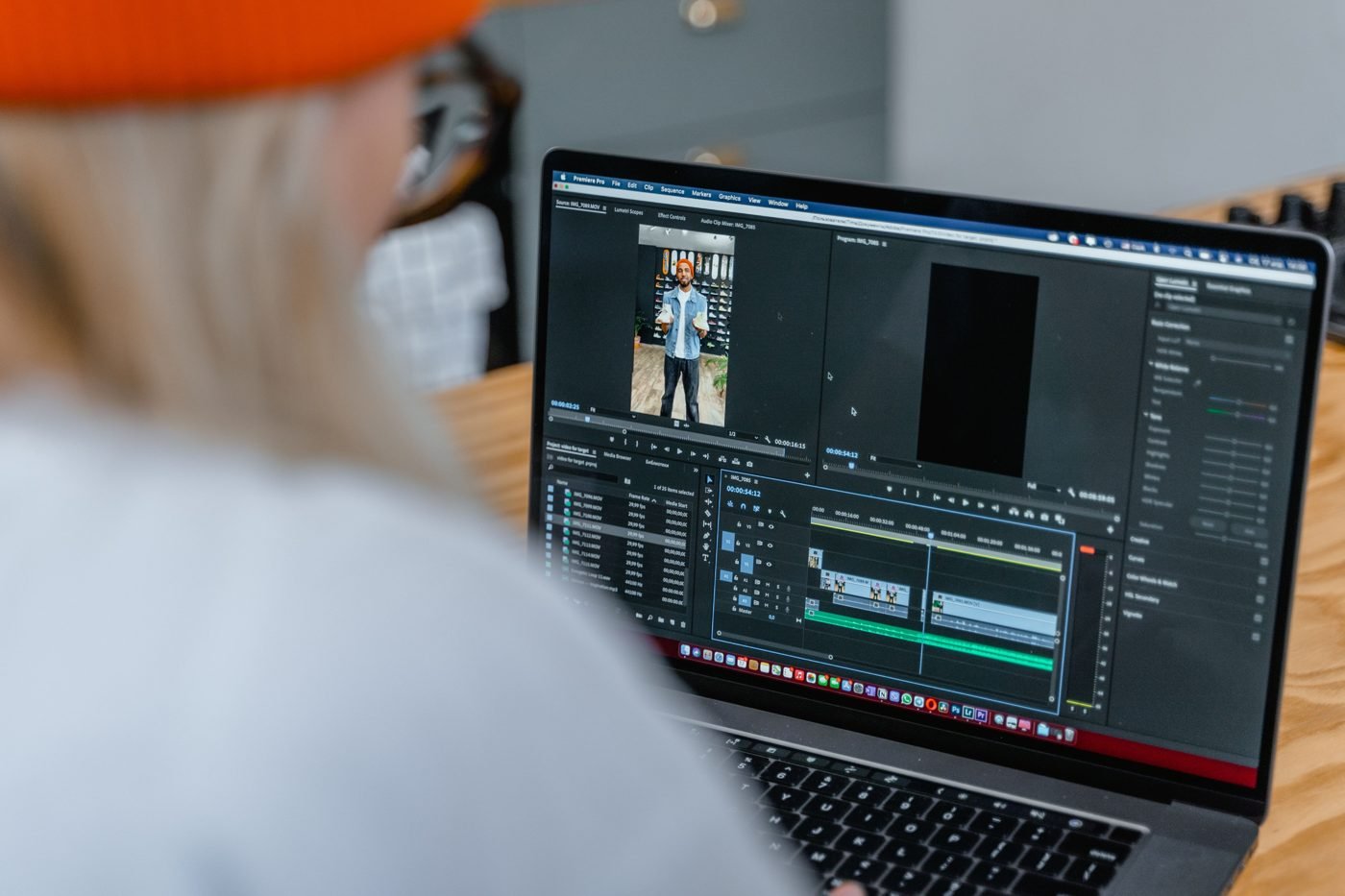
The reviews point to a clear buyer. Ars Technica says the Surface Laptop Ultra is “genuinely exciting hardware” for “a CUDA developer who favors portability and needs to test local AI models on the fly.” For everyone else, it advises patience until the software matures. Tom’s Guide calls RTX Spark “definitely for the prosumer market,” because the real advantage is unified memory: you can run much larger local AI models than on a gaming laptop with separate RAM and VRAM.
- Buy it if you run local LLMs or AI agents, need CUDA on a portable machine, or want one laptop for creative work and gaming.
- Wait if you mostly browse, write and work in Office, need MacBook-level battery life, or rely on older drivers, plug-ins or utilities. Microsoft itself tells buyers to check app and driver compatibility before purchase.
- Mind the memory. Memory is part of the chip and can’t be upgraded later. Tom’s Hardware found 32GB “tight for AI,” and Ars questioned whether 24GB is enough.
Microsoft also has another AI event lined up for October 20. For now, the verdict from early reviews is consistent: RTX Spark is impressive hardware, and the Windows software that would make the most of it is still catching up.

The Teck Hustlers Editorial Team covers technology, business, finance and gaming news for readers who want the story behind the headline. Every article is researched, written and edited by our in-house team, checked against company announcements, filings and reputable reporting, and updated when new facts emerge. We focus on what each development means for founders, professionals, investors and everyday users. Have a tip or a correction? Reach us through our contact page.