
How to Make Your Friends List Private on Facebook
To make your Facebook friends list private, open Settings, find Who can see your friends list? and choose Only me.…
Teck Hustlers Where tech meets hustle!
Teck Hustlers Technology desk covers the tools, platforms, and trends shaping how people work, communicate, and get things done. We publish practical explainers on operating systems, apps, hardware, and emerging technology, along with software and gadget reviews written to help readers make informed buying and usage decisions. Coverage spans everything from everyday troubleshooting guides and step-by-step tutorials to deeper looks at AI, cybersecurity, cloud tools, and consumer electronics. Rather than chasing hype, our technology reporting focuses on what a tool actually does, how it compares to alternatives, and whether it is worth a reader’s time or money. Articles are updated as products and platforms change, and each piece links to primary sources, official documentation, or first-hand testing where relevant, so readers can verify claims rather than take them on faith.
To make your Facebook friends list private, open Settings, find Who can see your friends list? and choose Only me.…
To make Facebook more private, run Privacy Checkup, restrict future post audiences, review older posts and check the personal details…

To remove a message you sent from an Instagram conversation, open the chat, press and hold that message and choose…
Instagram impressions measured how many times content appeared on screen, including repeat appearances to the same account. Reach counts unique…
Change an Apple Account email on iPhone while understanding the difference between updating the same account and signing into another…
AirPlay is Apple’s way to send media from your iPhone to a compatible TV, Mac or speaker. It can stream…
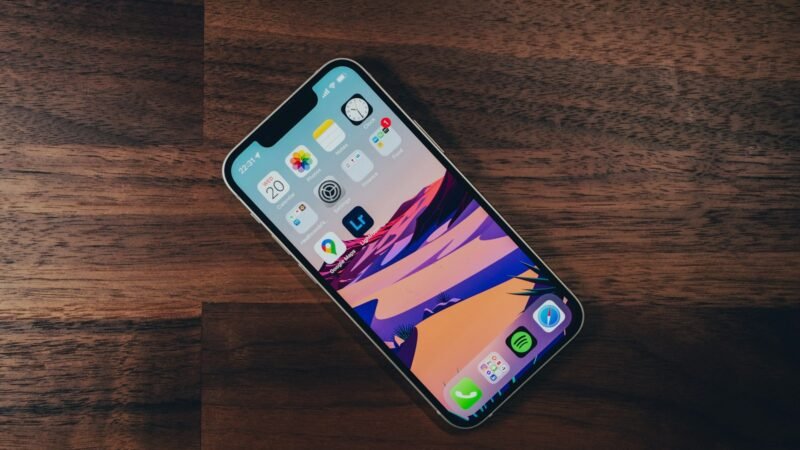
To put an iPhone 8 or later into recovery mode, connect it to a computer, quickly press and release Volume…
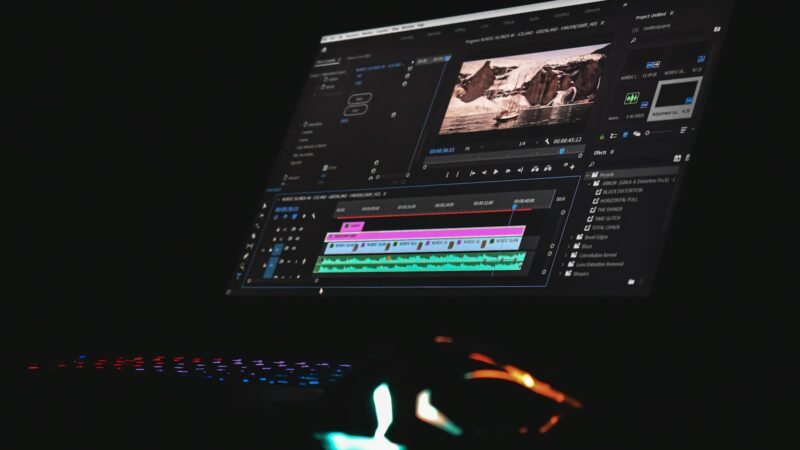
To see identifiable recent subscribers on a computer, open YouTube Studio, find Recent subscribers on the Dashboard and select See…
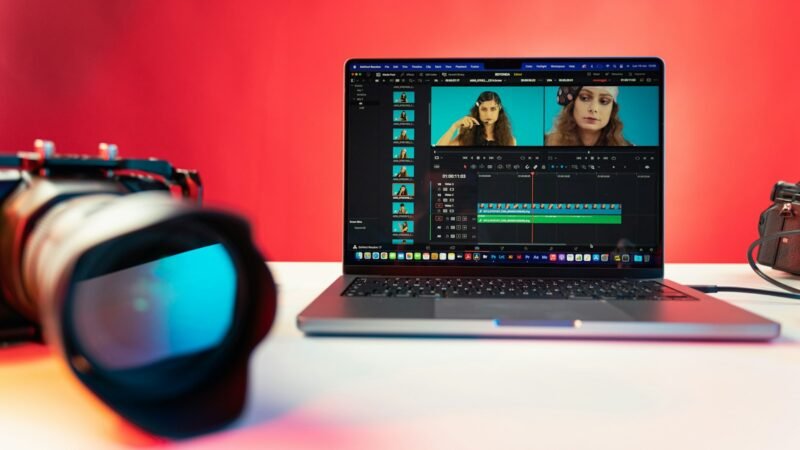
Add chapters to a YouTube video by putting a list of timestamps and titles in its description. Start the first…
You can change your Snapchat username in Settings, but Snapchat limits the change to once every 12 months. Open your…