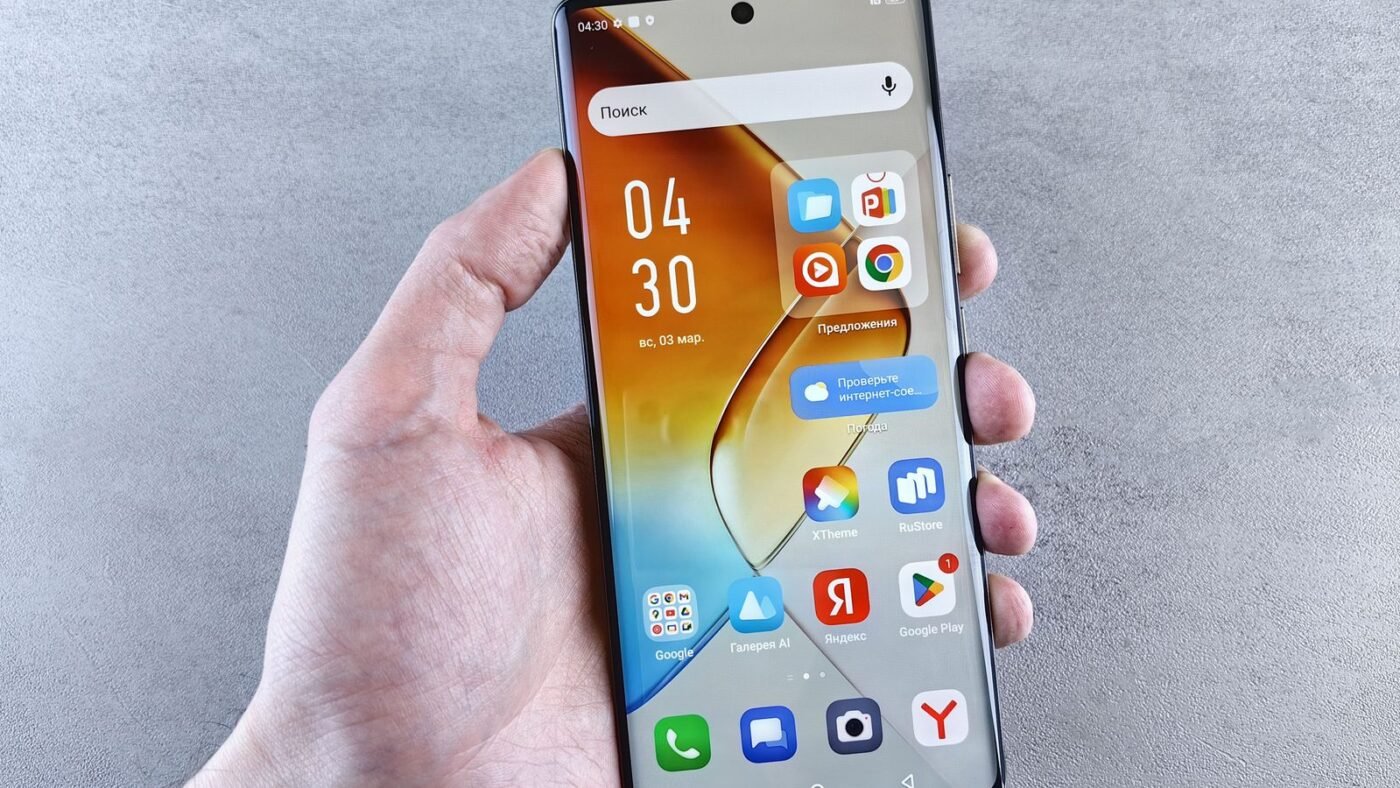
TL;DR: What is an eSIM? It’s a digital SIM built into your phone, watch, tablet or laptop. Instead of inserting a plastic card, you download your carrier’s profile by scanning a QR code, using a carrier app or transferring it from your old phone. An eSIM lets you keep several plans on one device, add a travel data plan in minutes and switch carriers without waiting for a card. The trade-offs: your phone and carrier both need to support it, and moving to a new phone is a transfer step rather than swapping a card.
If you’ve bought a phone recently, you may have noticed there’s no SIM tray, or that the setup screen asks you to “transfer” your number. So what is an eSIM, how does it work, and is it better than a physical SIM? This guide explains it in plain English, with setup steps for iPhone and Android and tips for travel.
What is an eSIM, exactly?
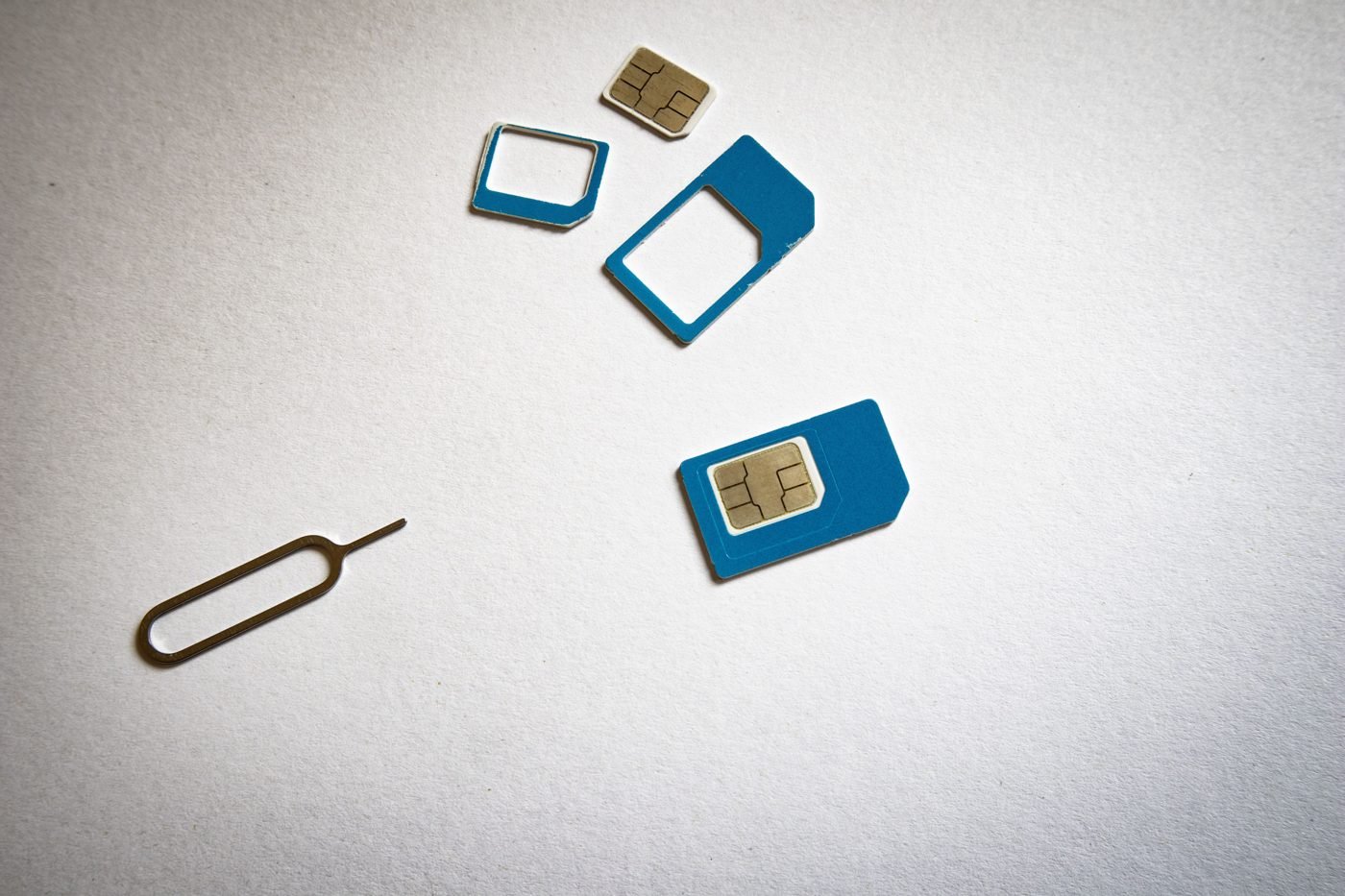
eSIM stands for embedded SIM. Apple’s support page describes it as “an industry-standard digital SIM built into your iPhone, eliminating the need for a physical SIM card.” The standard comes from the GSMA, the mobile industry association, so it works across phone makers and carriers that support it.
A traditional SIM card is a small chip that stores your subscriber identity, the credentials your carrier uses to recognize you on its network. An eSIM does the same job, but the chip is soldered into the device and can be rewritten. Your carrier sends a profile over the internet, and the phone stores it. Because it’s software, one eSIM chip can hold several profiles.
How an eSIM works
- You choose a plan from a carrier or travel data provider that supports eSIM.
- The provider gives you an activation method: a QR code, a link, a carrier app, or details to enter manually.
- Your phone downloads the profile securely and installs it. You usually need Wi-Fi or another data connection for this step.
- You pick which line to use for calls, texts and data in settings. With dual-SIM phones, two lines can be active at the same time.
eSIM vs physical SIM
| Physical SIM | eSIM | |
|---|---|---|
| Form | Removable plastic card | Chip built into the device |
| Getting a new plan | Wait for a card or visit a store | Download in minutes |
| Plans per device | One per slot | Several stored profiles (Apple says eight or more on iPhone) |
| Switching phones | Move the card | Transfer the profile (Quick Transfer, QR code or carrier) |
| If your phone is stolen | Card can be removed | Can’t be popped out of the device |
| Compatibility | Almost universal | Needs device and carrier support |
Benefits of using an eSIM
- Several plans on one phone. Apple says iPhone users can “manage up to eight or more eSIMs.” Handy for separating work and personal numbers.
- Easier travel. You can add a local or regional data plan before you land, while keeping your home number active for calls and texts.
- Faster carrier switching. No waiting for a card in the mail.
- Harder to remove. A thief can’t simply pull out an eSIM, which Apple lists among its security benefits.
- More room inside devices. No tray means one less opening and more space for other parts, which is why many smartwatches and some tablets use eSIM only.
Downsides to know about
- Not every carrier supports it, especially smaller prepaid providers in some countries.
- Some phones are eSIM-only. Apple has sold iPhones without a SIM tray in the US since the iPhone 14. If your carrier doesn’t support eSIM, that’s a problem.
- Moving phones takes a step. You can’t just swap a card into a borrowed handset; you need to transfer the profile.
- Regional limits. Apple notes that in mainland China only certain recent iPhone models support eSIM, and some markets still favor dual physical SIMs.
Which devices support eSIM?
According to Apple, eSIM works on the iPhone XS, XS Max, XR and later, with a carrier that supports it. Most recent flagship Android phones, including Google Pixel and Samsung Galaxy models, support eSIM too; Google has step-by-step help for Pixel phones. Cellular smartwatches, many tablets and some Windows laptops also use eSIM. Your phone’s settings will show an option like “Add eSIM” if it’s supported.
How to set up an eSIM
On iPhone
Apple lists several activation methods:
- eSIM Quick Transfer: move your number from your old iPhone. Both phones need iOS 18.4 or later, Bluetooth on and the same Apple Account. Go to Settings > Cellular > Set Up Cellular or Add eSIM.
- QR code: scan the code from your carrier with the Camera app and tap the “Cellular Plan Detected” notification.
- Carrier link or app: on iOS 17.4 or later you can tap a carrier link to install the plan.
- Manual entry: Settings > Cellular > Add Cellular Plan > Enter Details Manually.
Apple also says that with iOS 26 or later, some carriers and phone makers support transferring an eSIM between Android and iPhone.
On Android
The wording varies by brand, but the path is usually Settings > Network & internet (or Connections) > SIMs > Add eSIM or Download a SIM. Then scan your carrier’s QR code or follow its app. Setting up a new phone is also a good moment to set up passkeys on your main accounts.
Tips for using an eSIM when traveling
- Check your phone is unlocked. Carrier-locked phones may refuse another provider’s eSIM.
- Install before you fly, while you have reliable Wi-Fi, and set it to activate on arrival if the provider allows.
- Keep your home line on for calls and texts but turn off its data roaming to avoid charges.
- Label your lines (for example “Home” and “Travel”) so you know which is active.
- Don’t delete an eSIM you still need. Removing a profile can mean asking your carrier for a new one.
Once you’re connected abroad, it’s also worth knowing how to view and share a Wi-Fi password on iPhone, and if you’re curious about network speeds, see our explainers on 5G vs 5G Ultra Wideband and Wi-Fi 7.
Bottom line
What is an eSIM? It’s simply a SIM that lives in software instead of on a plastic card. It makes it easier to hold several numbers, add travel data and switch carriers, at the cost of needing a compatible phone and carrier and an extra transfer step when you change devices. If your phone and carrier support it, eSIM is now the more flexible choice for most people.

The Teck Hustlers Editorial Team covers technology, business, finance and gaming news for readers who want the story behind the headline. Every article is researched, written and edited by our in-house team, checked against company announcements, filings and reputable reporting, and updated when new facts emerge. We focus on what each development means for founders, professionals, investors and everyday users. Have a tip or a correction? Reach us through our contact page.