We review and update this article regularly as new information becomes available.
Turning a still photo into a moving video used to take real editing skill. Now a handful of AI tools can do it from a single prompt. This roundup covers the tools actually worth using in 2026, from big-name platforms like Runway and Kling to smaller, more affordable options built specifically for animating photos.
TL;DR: For the most polished results, Runway and Kling lead the pack. Google’s Veo/Flow tools handle cinematic scenes well. Pika and GoEnhance AI are faster and cheaper for quick social clips. Alive AI is a solid mobile-first pick if you just want to animate a photo from your phone. Pricing and access vary a lot between tools, so check the current plan before you commit.
1. Google Veo / Flow
Best for: cinematic scenes and reference-image accuracy.
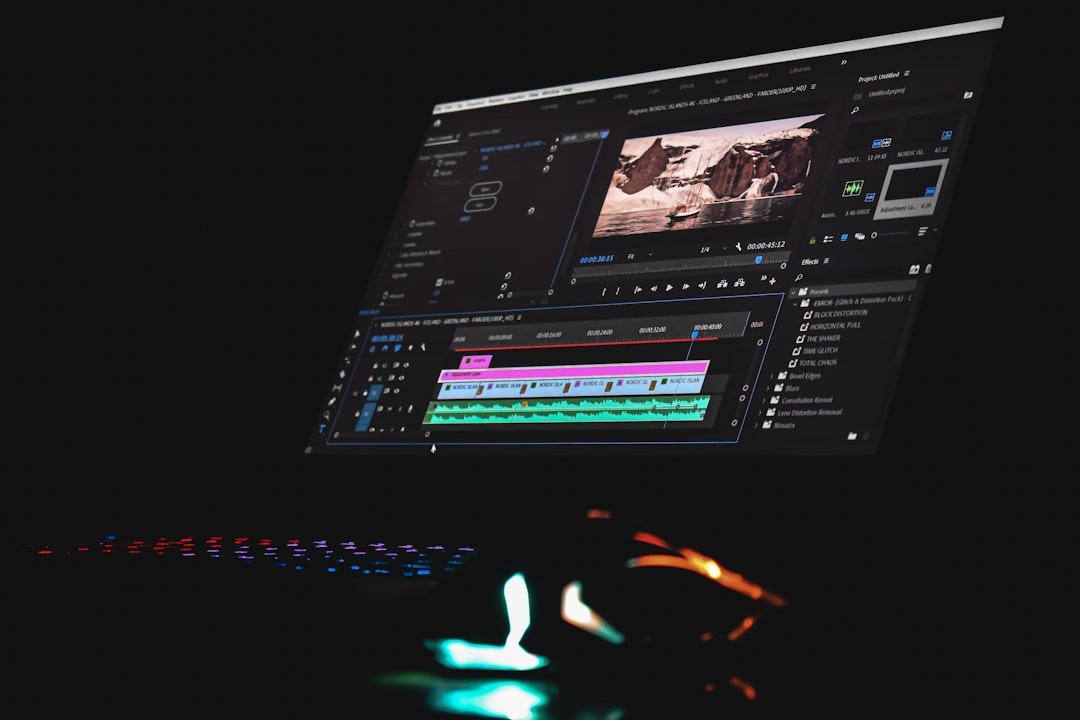
Google’s video generation tools handle reference images, start and end frames, and audio-aware video well. They’re built for people who want a controlled, cinematic result rather than a quick throwaway clip. Access and pricing depend on which Google product tier and region you’re in, so check availability before planning around it.
2. Runway
Best for: general-purpose image-to-video production.
Runway’s Gen-4 and Gen-4 Turbo models combine generation, iteration, and editing in one workspace. It’s a strong all-around pick if you want to animate a photo and then keep refining the result without switching tools. Runway runs on a credit-based system, with free credits available to test it out.
3. Kling
Best for: photorealistic motion and dramatic animation.
Kling specializes in photorealistic image animation with strong physics simulation, so motion looks natural rather than jittery. It’s a good choice when you want the animated result to look real rather than stylized. Standard plans run around $10/month, with promotional pricing sometimes lower.
4. Luma Ray
Best for: natural camera movement and keyframe control.
Luma Ray is built around smooth camera movement and visual continuity, with keyframe support for more precise control over how the animation unfolds. It runs on a credit-based system with a free tier available.
5. Pika
Best for: quick, playful clips for social media.
Pika trades some polish for speed. It’s built for fast, expressive clips from photos and selfies, with quick iteration if the first result isn’t quite right. There’s a free plan, with paid options for higher volume.
6. GoEnhance AI
Best for: stylized and anime-style transformations, with mobile editing.
GoEnhance AI focuses on converting videos and photos into different artistic styles, including anime, along with image upscaling and character animation tools. It supports mobile editing and cloud storage, which makes it a convenient pick if you’re not working from a desktop. Plans start around $9.99/month, with a free tier to try it first.
7. Alive AI
Best for: a simple, mobile-first way to animate a photo.
Alive AI is a mobile app (Android, via Google Play) that turns photos into short animated videos, with AI dance templates and several artistic styles to pick from. It’s built for people who want results fast without learning any real editing tools. You get two free uses a day, with a weekly or yearly subscription for more.
8. Neural Frames
Best for: music-synced visuals and audio-reactive animation.
Neural Frames is a more specialized pick, aimed at musicians and visual artists who want animations that sync to a beat rather than a single photo. If your goal is a music video or audio-reactive visual rather than animating a specific photo, this is the more purpose-built option. Plans start at $19/month for 1,000 rendering credits, with a free trial available.
Frequently Asked Questions
What’s the best free AI tool to animate a photo into video?
Pika and Runway both offer free credits to start, and Alive AI gives you two free animations a day on mobile. None of the tools here are fully free for unlimited use, but all of them let you test the result before paying.
Which AI tool gives the most realistic motion?
Kling is generally considered the strongest for photorealistic motion, thanks to its physics simulation. Runway and Google’s Veo/Flow tools are close behind for cinematic accuracy.
Can I animate a photo from my phone?
Yes. GoEnhance AI and Alive AI both support mobile use, and Alive AI is mobile-first through Google Play.
Do these tools work with photos of real people?
Most of these tools can animate photos of people. Only use photos you have the right to use, and be thoughtful about consent, especially with tools that add faces, dance templates, or other likeness-based effects.
How much do AI image-to-video tools cost?
It varies widely. Free tiers exist across most of these tools for testing. Ongoing use typically runs about $9 to $40+ a month, depending on the tool and how many credits or renders you need.
More AI Tool Reviews
- Swerve AI: AI Character-Chat App Review
- Genora AI: Features, Pricing, and Safety Check
- TradeVisor AI: Is It Legit? What to Know Before Subscribing
- Minion AI: What Happened to the Browser Agent Startup
- TeachMate AI: Pricing and Features for Teachers
- Coursology AI: Pricing and What to Know Before Subscribing
- Samwell AI: Pricing and What to Know Before You Subscribe
- Cosmo AI: Formerly ClassUp, Pricing and How the Tutoring Works
- Rubric AI: Pricing and How the Essay Grader Works
- Big Brain AI: Pricing and What to Know Before You Subscribe
Bottom Line
For polished, professional-looking results, Runway and Kling are the strongest all-around picks. If you just want to animate a photo quickly from your phone, GoEnhance AI or Alive AI will get you there faster and cheaper. Whichever tool you pick, start on the free tier first and confirm the current pricing before you subscribe, since these plans change often.