TL;DR: What is a mood board? It is a collage of images, colors, type, textures and words that captures the look and feel of a project before anyone designs the final thing. Designers use mood boards to agree on a visual direction with clients and teammates, save time on revisions and keep every later decision consistent. You can make one on a corkboard or in a free tool like Canva, Figma, Milanote or Pinterest in under an hour by following six steps: set a goal, gather widely, cut ruthlessly, add color and type, annotate, and share for feedback.
Ask ten people to imagine a “modern, friendly” website and you will get ten different pictures. That gap is exactly what a mood board closes. So, what is a mood board, and why do designers, brand teams, interior designers, photographers and even wedding planners start almost every project with one? This guide explains the idea in plain English, shows the main types, and walks you through making your first board step by step.
What is a mood board, in simple terms?
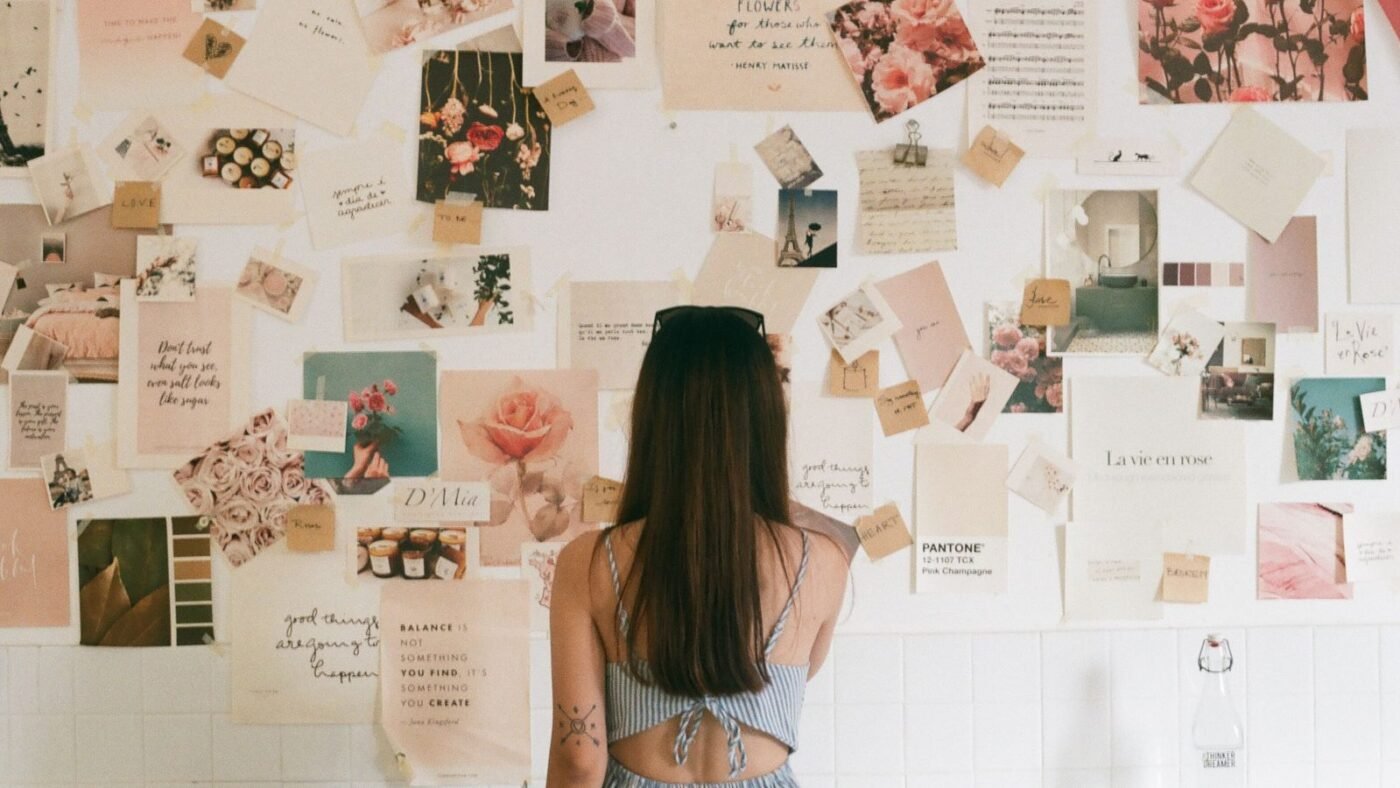
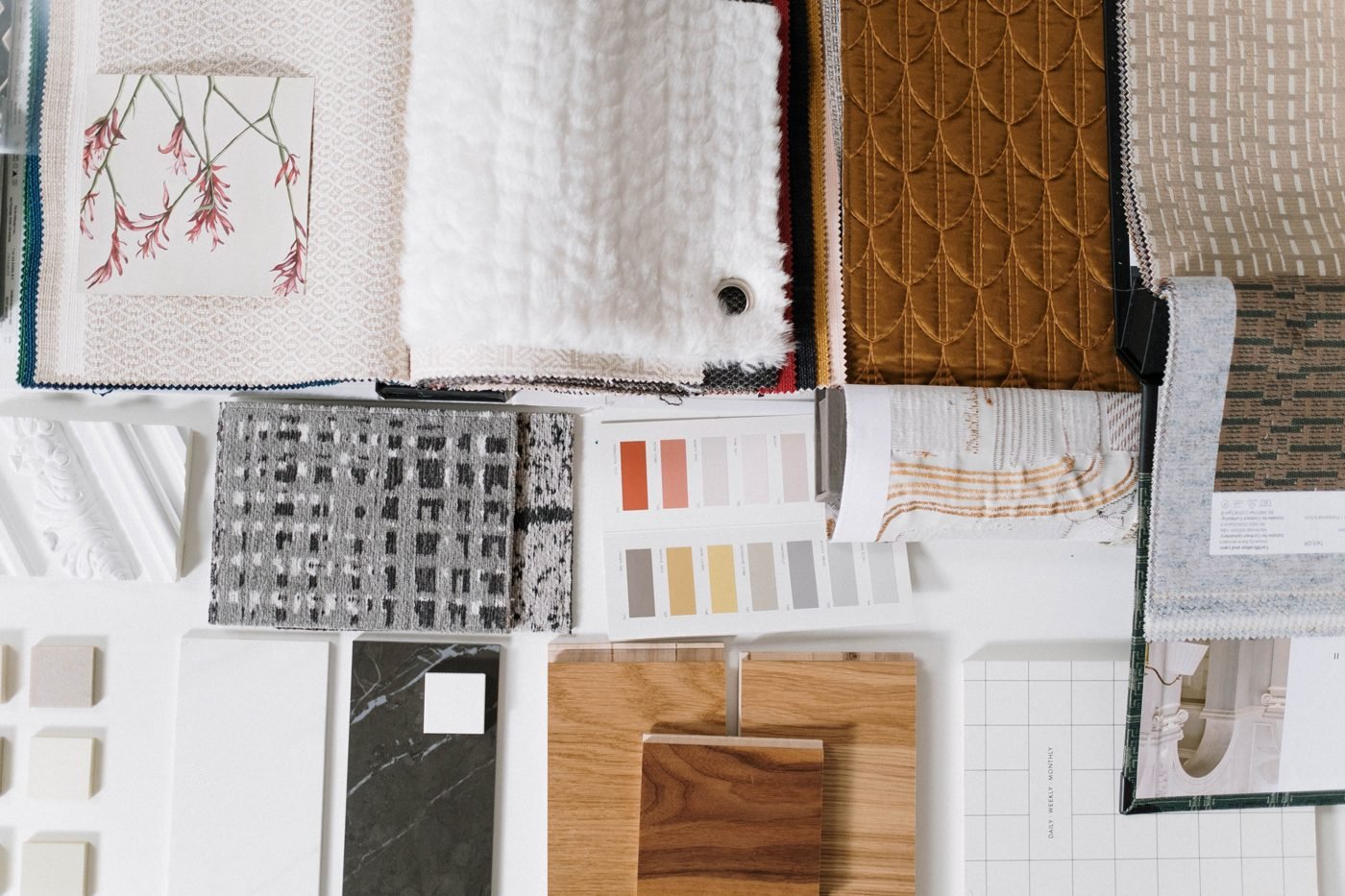
A mood board is a visual reference board that communicates a feeling, style or direction. Instead of describing a brand as “calm but premium,” you show it: a muted sage green, a serif headline, a linen texture, a photo of morning light through a window. People react to images far faster than to adjectives, so everyone involved can say “yes, more of this” or “no, not that” before real work begins.
The Nielsen Norman Group, a respected UX research firm, describes a mood board as “a collage of images, video frames, patterns, or text that convey a certain feeling at a glance,” and recommends them for collecting inspiration, communicating brand identity and deciding on a product’s visual direction. Timing is the point: agreeing on direction early is far cheaper than changing it late. A mood board is not the design itself; it is the brief, written in pictures.
What usually goes on a mood board
- Images: photography, illustrations, screenshots of interfaces or spaces that capture the right feeling.
- Color palette: a handful of swatches, ideally with hex or paint codes.
- Typography: sample fonts for headings and body text.
- Textures and materials: paper, fabric, wood, metal, gradients or grain.
- Words: three to five keywords, quotes or taglines that sum up the tone.
- UI or layout references: buttons, icons, page layouts or product shots for digital work.
Why mood boards matter
Mood boards earn their place for practical reasons:
- They prevent expensive misunderstandings. Rejecting a mood board costs an hour. Rejecting a finished website costs weeks.
- They speed up decisions. Clients often struggle to explain taste in words but recognize it instantly in pictures.
- They keep a team consistent. Designers, copywriters and developers can all check their work against the same reference.
- They spark ideas. Putting unexpected references side by side often reveals a direction nobody would have described.
If you are new to design vocabulary, our guide to UI vs UX design explains where visual direction fits into the wider process.
Types of mood boards
| Type | Best for | Pros | Cons |
|---|---|---|---|
| Physical (corkboard, foam board) | Interior design, fashion, product and packaging work | Real textures and materials you can touch | Hard to share remotely or update |
| Digital collage | Branding, web and app design, social campaigns | Fast, easy to share and edit, free tools available | Can lack the feel of real materials |
| Style tile or brand board | Websites and brand identities | Closer to the final UI with real colors, fonts and buttons | Takes more time; less exploratory |
| Inspiration board (e.g. Pinterest) | Early exploration, personal projects, events | Huge library, very quick to collect | Easily becomes cluttered and unfocused |
How to make a mood board in 6 steps
1. Define the goal and audience
Write one sentence describing the project, who it is for and the feeling it should create. For example: “A website for a neighborhood bakery that feels warm, handmade and a little nostalgic, aimed at local families.” Every image you add later should support that sentence.
2. Gather widely
Collect far more than you need. Good sources include your own photos, free stock libraries, magazines, product packaging, architecture and nature. Pinterest is popular for this; its help center explains how to create a board and set it to secret so only invited collaborators can see it. Save references from outside your industry too; a coffee bag can inspire a banking app.
3. Cut ruthlessly
A strong board usually has somewhere around 10 to 20 pieces, not 80. Remove anything that pulls in a different direction, even if you love it. If two images feel like they belong to different brands, keep only one.
4. Pull out color and type
Sample three to six colors from your strongest images and note their codes. Add one or two typefaces that match the tone. Check early that your palette has enough contrast for text; our color contrast guide shows how. For type, see variable fonts explained.
5. Arrange and annotate
Give your strongest image the most space and group related items together. Then add short notes: “this lighting,” “this texture, not this color,” “button style like this.” Annotations stop people from fixating on the wrong detail of an image.
6. Share, get feedback and lock it
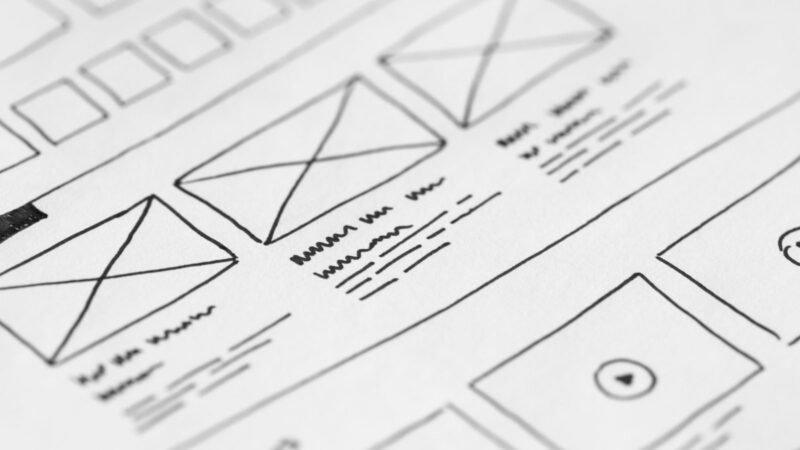
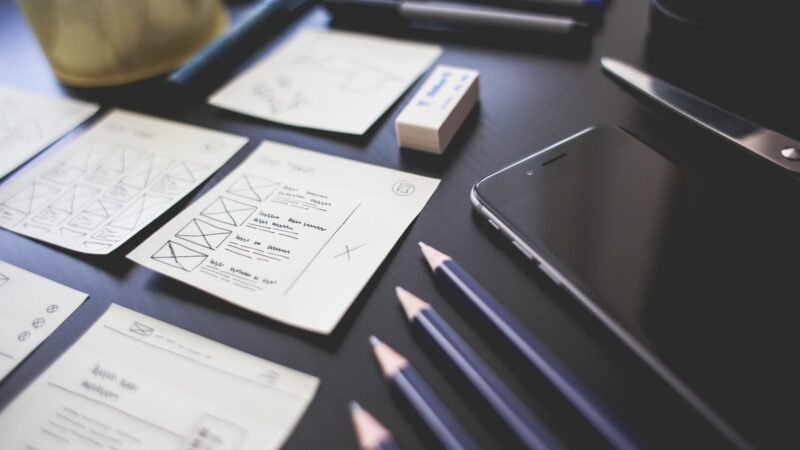
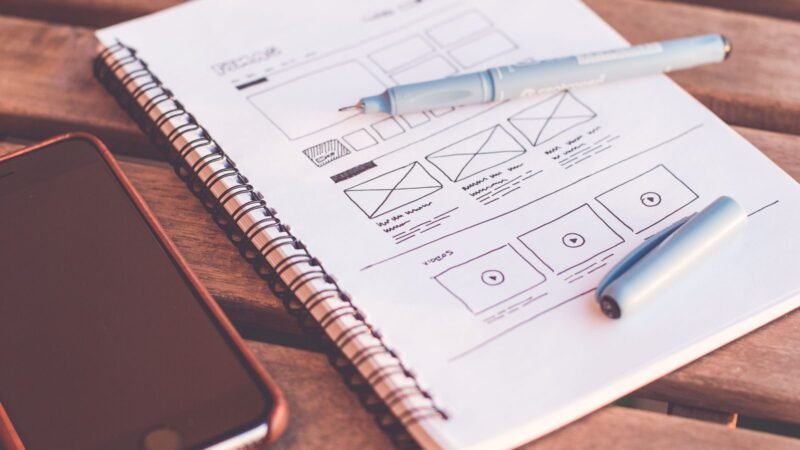
Present the board, ask what feels right and what feels off, and revise. Once everyone agrees, treat the board as the reference for wireframes, layouts and copy. From there, many teams move on to wireframes and eventually a design system.
Free tools for making a mood board
- Canva: ready-made mood board templates and drag-and-drop editing; good for beginners.
- Figma or FigJam: ideal if the final design will also be built in Figma. Compare it with Canva in our Figma vs Canva breakdown.
- Milanote: a visual board tool built for creative projects, with notes and links alongside images.
- Pinterest: fastest for collecting inspiration, weaker for polished presentation.
- Paper and glue: still the best option when texture and materials matter.
Features and free plans change, so check each tool’s current pricing page before committing a team to it.
Common mood board mistakes
- Too many images. A crowded board communicates nothing.
- Mixed messages. Rustic wood next to neon cyberpunk confuses the brief unless that contrast is the point.
- No words. Without keywords or notes, people read images differently.
- Copying instead of referencing. A mood board guides a direction; it is not permission to reuse someone else’s work in the final product.
- Skipping it entirely. It feels faster to jump into design, but it usually costs more time in revisions.
Mood board vs style guide vs wireframe
These terms get mixed up. A mood board sets the feeling and direction. A wireframe sets structure and layout without visual styling. A style guide or design system records the final rules: exact colors, fonts, spacing and components. In most projects they come in that order: mood board, wireframes, then style guide.
The bottom line
So, what is a mood board? It is the quickest way to turn vague adjectives into a shared visual direction. Keep it focused, annotate it, get sign-off and use it as your compass for every design decision that follows. Whether you pin magazine clippings to a corkboard or drag screenshots into Canva, an hour spent on a mood board can save days of rework.

The Teck Hustlers Editorial Team covers technology, business, finance and gaming news for readers who want the story behind the headline. Every article is researched, written and edited by our in-house team, checked against company announcements, filings and reputable reporting, and updated when new facts emerge. We focus on what each development means for founders, professionals, investors and everyday users. Have a tip or a correction? Reach us through our contact page.