If iMessage seems to keep turning off, first check whether its switch is actually off or whether messages are simply being sent another way. A green bubble, an unverified phone number and an activation error are different symptoms. Identifying which one you have prevents repeated toggling that does not address the real problem.
Open Settings, then Apps, then Messages on recent iOS versions. On older versions, Messages may appear directly in Settings. Look at the iMessage switch and the Send & Receive choices. Make a note of the exact wording before changing anything.
Separate a switched-off service from a delivery problem
Apple’s messaging troubleshooting guide distinguishes delivery failures, connection problems and messaging settings. A message’s color alone does not establish that the switch turned itself off. Your recipient, connection and available message services also matter.
Try describing the problem precisely: “The switch is off when I reopen Settings,” “My number has a spinning indicator,” or “Only one conversation sends green messages.” These descriptions lead to different checks. Take a screenshot of an error if needed, keeping phone numbers and private conversation content out of anything you share publicly. A phone showing a cellular warning may also need the separate checks for a No SIM message; keep that diagnosis distinct from the iMessage setting itself.
If only one person is affected, ask whether they can receive iMessages and whether their phone or account changed. If every contact is affected, focus on your own connection, activation and account settings first.
Check the basic activation requirements
Apple’s activation instructions call for a working Wi-Fi or cellular connection, current iOS and a correct time zone. Phone-number activation also needs SMS capability, and the carrier may charge for the activation message.
- Open a normal website to confirm that internet access works.
- Check for a pending iOS update and install it when you can safely do so.
- Review Settings, General, Date & Time.
- Confirm the intended mobile line is active.
- Read any prompt about SMS charges instead of dismissing it automatically.
On a prepaid line, ask the carrier whether the account can send the SMS required for activation. Being able to browse on Wi-Fi does not establish that the mobile line can complete that separate step.
Restart activation once, then allow it time
Apple’s documented sequence is to turn off iMessage and FaceTime, restart the iPhone, and turn the services back on. After that, phone-number verification can take up to 24 hours. If a spinning indicator shows that verification is underway, repeatedly switching the service off and on is not necessary.
- Record the existing error or status.
- Turn off iMessage in Messages settings.
- Turn off FaceTime in its settings.
- Restart the iPhone normally.
- Turn the services back on.
- Leave the phone connected and allow the verification process to proceed.
Keep track of when you performed this sequence. It is easier to discuss a stalled activation with support if you know whether it has been twenty minutes or a full day. Repeating the entire process every few minutes makes that timeline harder to understand.
Review Send & Receive after changing phones or SIMs
A new device, changed phone number or recent eSIM setup is useful context. Open Send & Receive and review the addresses selected for receiving and starting conversations. An email address and a phone number can behave like separate identities to the people receiving your messages.
If your contacts say messages suddenly come from an email address, inspect these selections before assuming the app is broken. Write down the intended number and account first. This helps prevent accidental changes to a second line or another family member’s account.
For people who use two mobile lines, be explicit about which line should activate. Tell the carrier the relevant number when asking about SMS capability. A working secondary number does not prove the intended primary number has completed verification.
Check for a service issue before resetting the phone
Visit Apple’s System Status page when several Apple messaging functions fail at once. A service interruption calls for a different response than an incorrect account selection. Note the time of the issue and check whether other internet services work on your phone.
A simple troubleshooting log can have three columns: symptom, action and result. For example, record “number waiting for activation,” “confirmed SMS with carrier,” and “still pending after two hours.” This avoids circular troubleshooting and gives support a concise history.
Do not erase the iPhone or remove an eSIM as an early experiment. Those changes can create additional recovery work. If someone recommends a reset, understand exactly which settings it affects and make sure important information is backed up before proceeding.
When the switch really does keep changing
If you can reliably observe the iMessage switch changing from on to off, document that behavior separately from delivery color. Note whether it happens after restarting, changing a mobile line, signing into an account or installing an update.
Check whether the device belongs to a school or employer before changing management-related settings. Ask the administrator about applicable restrictions rather than attempting to remove a management profile. On a personally owned phone, contact Apple Support with the precise pattern and iOS version.
There is no reason to share an Apple Account password with a third-party repair website to troubleshoot this setting. Use Apple’s own support routes and carrier support for activation problems. If an account restriction appears on screen, follow the official instructions associated with that message.
Frequently asked questions
Does a green message mean iMessage is switched off?
Not by itself. Check the actual switch and Send & Receive status. Other messaging routes or a recipient’s availability can explain the color.
How long should activation take?
Apple says carrier verification of a phone number can take up to 24 hours. Confirm the prerequisites and avoid repeatedly toggling a verification already in progress.
Can Wi-Fi replace the activation SMS?
Internet connectivity and phone-number activation are separate requirements. Ask your carrier about SMS capability if your number will not verify.
Should I factory-reset the iPhone first?
No. Start with the status, connection, account and official activation checks. Escalate a persistent issue with a clear symptom record before considering disruptive changes.
Video guide
This related video from iOSHacker provides a visual companion. Screens and available features can differ by app version.
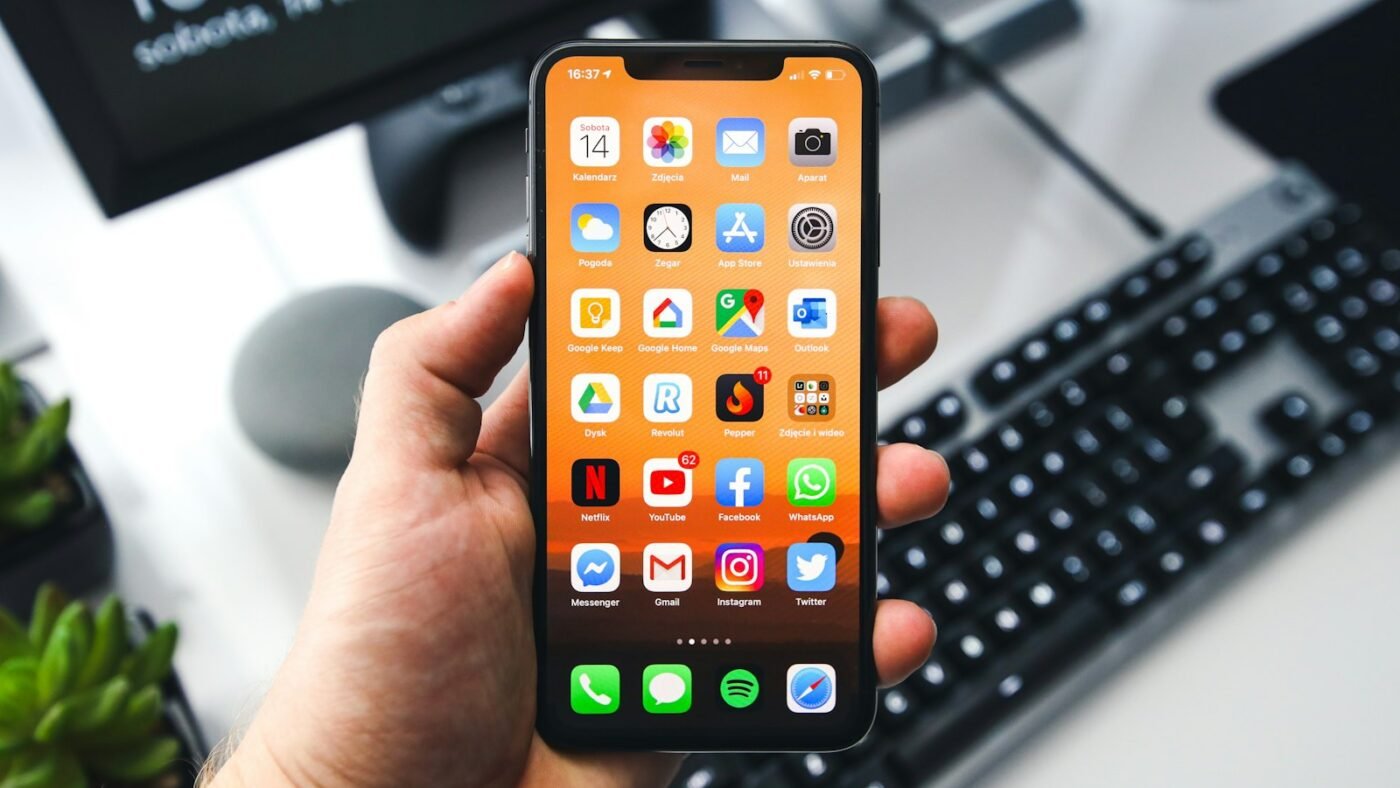
Featured photo: Photo by Sebastian Bednarek on Unsplash.

The Teck Hustlers Editorial Team covers technology, business, finance and gaming news for readers who want the story behind the headline. Every article is researched, written and edited by our in-house team, checked against company announcements, filings and reputable reporting, and updated when new facts emerge. We focus on what each development means for founders, professionals, investors and everyday users. Have a tip or a correction? Reach us through our contact page.