Written by Admin Alex · Fact-Checked by M.Ali · Info Verified October 2026
We review and update this article regularly as new information becomes available.
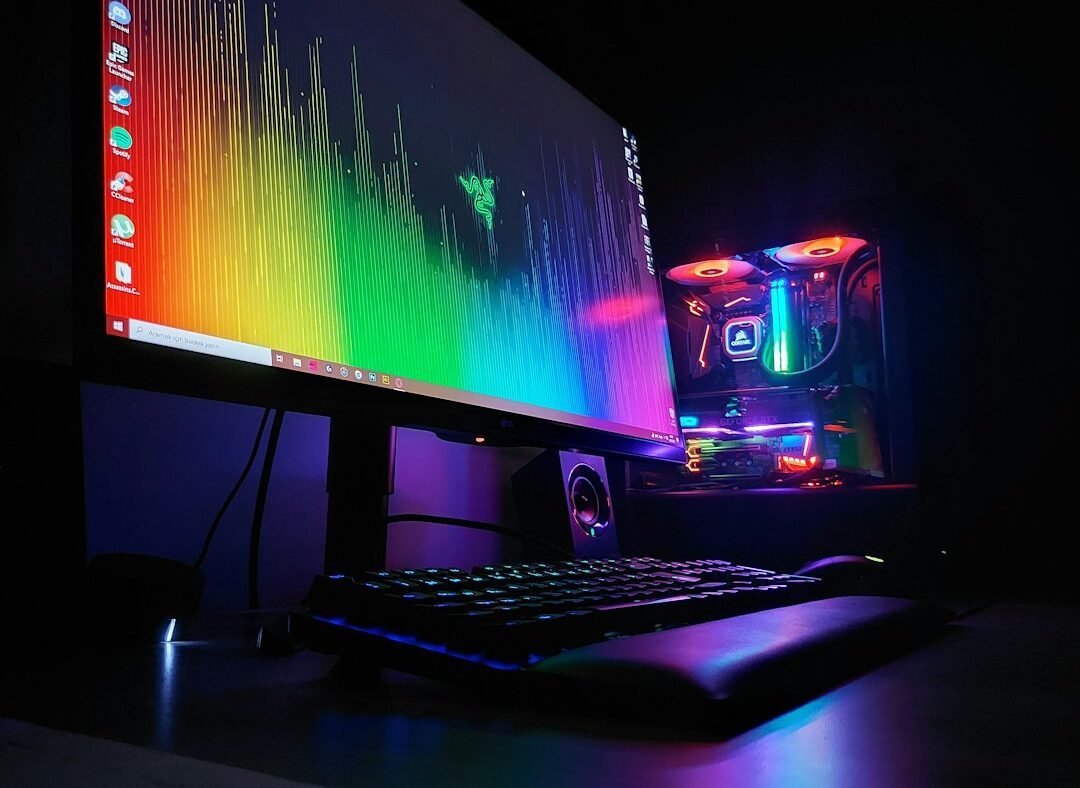
Stable Diffusion WebUI Forge or ComfyUI, paired with an open model like FLUX.2 [klein] 4B or SDXL, is the best local AI image generator setup for most people in 2026.
TL;DR: A local AI image generator is two parts: an app (Forge, ComfyUI, InvokeAI, Draw Things or DiffusionBee) and a model (SDXL, Stable Diffusion 3.5 or FLUX). Forge is the easiest all-rounder on Windows. ComfyUI gives the most control. Mac users should start with Draw Things or DiffusionBee. FLUX.2 [klein] 4B, released January 2026 under the Apache 2.0 license, runs in about 13GB of VRAM. Stable Diffusion 3.5 is free for anyone earning under $1 million a year. A used 12GB graphics card is enough to start. Running locally means no subscription, no queue and full privacy, but the law still applies to what you create.
Cloud tools like Midjourney and ChatGPT make AI images easy. They also cost a monthly fee, cap how much you can make, send every prompt to someone else’s server and sometimes block ordinary creative requests. A horror illustrator or a game artist drawing battle scenes can hit those filters fast.
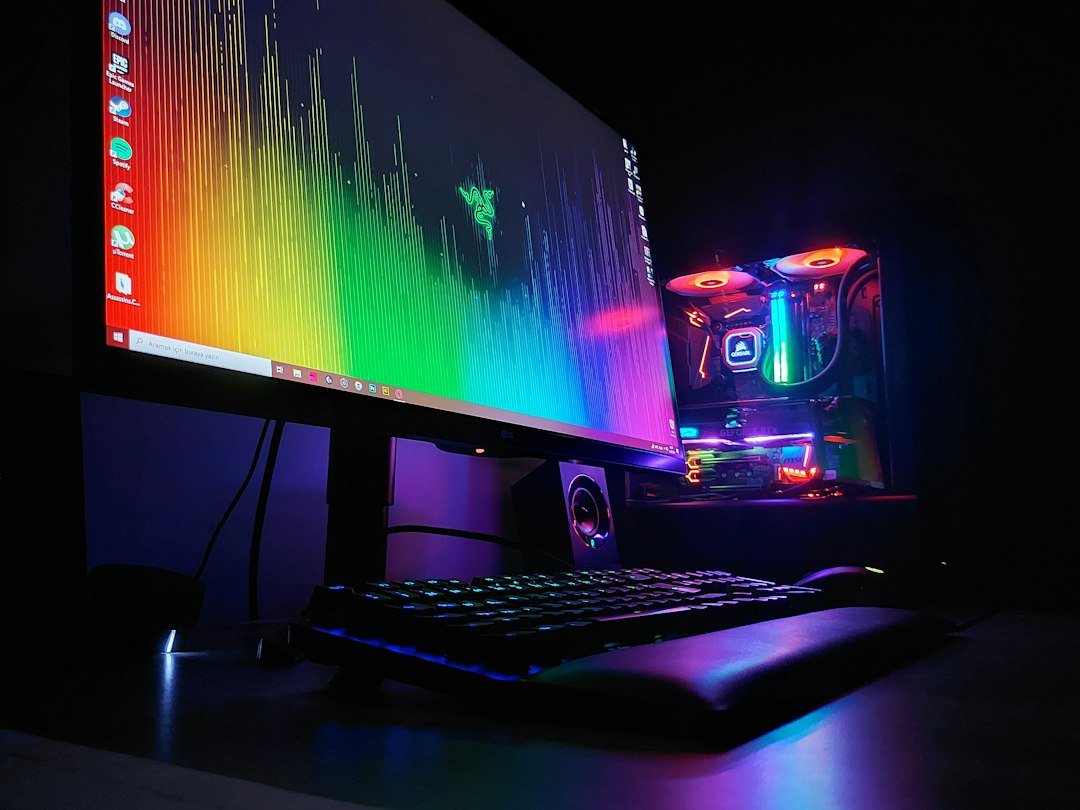
Running an image generator on your own computer solves most of that. This guide explains the apps and models worth using in 2026, what hardware you need, what each license allows and how to get started in an afternoon.
Key Terms in One Line Each
- Local AI image generator: software that creates images from text prompts using your own computer’s graphics card instead of a cloud service.
- Model (checkpoint): the trained AI file that actually draws the image, such as SDXL or FLUX.
- Front end (UI): the app you use to type prompts and control the model, such as Forge or ComfyUI.
- Stable Diffusion: the family of open image models from Stability AI, including SD 1.5, SDXL and SD 3.5.
- FLUX: a family of image models from Black Forest Labs, known for strong prompt following and readable text in images.
- VRAM: memory on your graphics card. It decides which models you can run and how fast.
- LoRA: a small add-on file that teaches a model a style, character or object without retraining it.
- Open weights: a model whose files you can download and run yourself, under the terms of its license.
- Apache 2.0: a permissive open-source license that allows commercial use.
- Quantization: shrinking a model, for example to FP8, so it uses less VRAM with a small quality cost.
Why Run an AI Image Generator Locally?
| Factor | Local generator | Cloud service |
|---|---|---|
| Ongoing cost | $0 after hardware, plus electricity | Monthly subscription or per-image credits |
| Image limits | Unlimited | Capped by plan |
| Privacy | Prompts and images stay on your PC | Stored on the provider’s servers |
| Creative filters | Fewer false blocks on legitimate art | Strict, sometimes blocks harmless prompts |
| Customization | LoRAs, fine-tuning, custom workflows | Limited to the provider’s options |
| Works offline | Yes, once installed | No |
| Setup effort | An hour or two | None |
| Hardware needed | A capable GPU or Apple Silicon Mac | Any device with a browser |
Fewer filters does not mean no rules. Your country’s laws still apply to what you make and share. We cover that in the responsible-use section below.
The Best Local AI Image Generator Apps
| App | Best for | Platform | Difficulty | Status in 2026 |
|---|---|---|---|---|
| Stable Diffusion WebUI Forge | Most Windows users | Windows, Linux | Easy | Active fork of AUTOMATIC1111 |
| ComfyUI | Power users and new models | Windows, Mac, Linux | Hard at first | Very active, usually first to support new models |
| InvokeAI | Artists who want a canvas | Windows, Mac, Linux | Easy | Active, Apache 2.0 licensed |
| Draw Things | Mac, iPhone and iPad | Apple devices | Easy | Active, free app |
| DiffusionBee | Mac beginners | macOS | Very easy | Simple one-click app |
| Fooocus | Absolute beginners | Windows, Linux | Very easy | Limited long-term support, bug fixes only |
1. Stable Diffusion WebUI Forge: best overall
Forge is a faster, more memory-efficient fork of AUTOMATIC1111, the web interface that made Stable Diffusion popular. It keeps the familiar layout of text boxes and sliders while handling VRAM more efficiently. It supports SD 1.5, SDXL and FLUX models, and most AUTOMATIC1111 extensions work with it.
Choose it if: you want a straightforward interface that you can grow into, on a Windows PC with an NVIDIA card.
2. ComfyUI: best for control and new models
ComfyUI works like a flowchart. You connect nodes such as “load model,” “write prompt,” “sample” and “save image.” It looks intimidating at first. Once it clicks, you can build whole workflows and share them as a single file. It is usually the first app to support new models, so FLUX.2 and other 2026 releases tend to land here before anywhere else.
Choose it if: you want the newest models, batch automation or full control over every step.
3. InvokeAI: best for artists
InvokeAI feels like a design tool rather than a research project. Its unified canvas lets you paint, inpaint and extend images in one view, much like a simple version of Photoshop. It includes a model manager and keeps clean records of every image’s settings. It is released under the permissive Apache 2.0 license.
Choose it if: you are an illustrator or designer who edits images rather than just generating them.
4. Draw Things: best for Mac, iPhone and iPad
Draw Things is a free app that runs image models directly on Apple Silicon Macs, iPhones and iPads. It supports popular open models and LoRAs with a native Apple interface. It is the easiest way to generate images locally without a gaming PC.
5. DiffusionBee: easiest Mac option
DiffusionBee is a one-click Stable Diffusion app for macOS. You download it, open it and start typing prompts. It offers fewer advanced controls than Draw Things but suits Mac users who want zero setup.
6. Fooocus: simple, but no longer growing
Fooocus earned a following for its Midjourney-style simplicity: type a prompt and press generate. Its GitHub page now lists it under limited long-term support with bug fixes only. It still works for SDXL, but new models will not arrive. Beginners are better served by Forge or InvokeAI today.
The Best Open Models to Run Locally
The app is only the interface. The model decides what your images look like. These are the main open model families in 2026.
| Model | Released | License | Approx. VRAM | Strength |
|---|---|---|---|---|
| FLUX.2 [klein] 4B | January 2026 | Apache 2.0 (commercial use allowed) | About 13GB | Fast, edits and generates in one model |
| FLUX.2 [klein] 9B | January 2026 | FLUX Non-Commercial License | More than 4B | Higher quality, personal use only |
| FLUX.1 [schnell] | 2024 | Apache 2.0 | About 12GB, less with quantization | Fast, strong prompt following |
| FLUX.1 [dev] | 2024 | FLUX Non-Commercial License | 12GB to 16GB+ | High quality, non-commercial |
| Stable Diffusion 3.5 (Large, Medium) | October 2024 | Stability AI Community License | Medium suits mid-range cards | Free under $1M revenue |
| SDXL and fine-tunes | 2023 | Open license | About 8GB | Huge library of styles and LoRAs |
| SD 1.5 fine-tunes | 2022 | Open license | About 4GB | Runs on older, cheaper cards |
VRAM figures are approximate and drop with FP8 or other quantized versions. Black Forest Labs says FP8 versions of FLUX.2 [klein] use up to 40% less VRAM.
Licenses matter if you sell your images
- FLUX.2 [klein] 4B and FLUX.1 [schnell] use Apache 2.0, which allows commercial use.
- FLUX.2 [klein] 9B and FLUX.1 [dev] use the FLUX Non-Commercial License. Personal projects are fine. Client work needs a commercial license from Black Forest Labs.
- Stable Diffusion 3.5 is free for individuals and businesses with less than $1 million in annual revenue under the Stability AI Community License. Larger companies need an Enterprise license.
What Hardware Do You Need?
| VRAM | Example GPUs | What you can run |
|---|---|---|
| 4GB to 6GB | Older GTX cards | SD 1.5 models, slowly |
| 8GB | RTX 3060 Ti, RTX 4060 | SDXL comfortably; quantized FLUX with patience |
| 12GB | RTX 3060 12GB, RTX 4070 | SDXL with add-ons, FLUX.1 [schnell], quantized FLUX.2 [klein] |
| 16GB | RTX 4070 Ti Super, RTX 4080 | Nearly everything, including FLUX.2 [klein] 4B at full size |
| 24GB+ | RTX 3090, RTX 4090, RTX 5090 | Largest models, big batches, fast iteration |
NVIDIA cards are the easiest choice because almost every tool is built and tested on them first. AMD cards work on Linux and increasingly on Windows, but expect more setup. On a Mac, Apple Silicon with 16GB or more of unified memory runs SDXL well through Draw Things or DiffusionBee.
A Real Example: Local vs a Subscription Over Two Years
Picture a freelance designer who makes about 300 concept images a month for mood boards. A mid-tier cloud plan at around $30 a month costs about $720 over two years, with monthly caps and every prompt stored online.
The same designer could buy a used 12GB graphics card for a few hundred dollars and run Forge with SDXL and FLUX.1 [schnell]. After two years, the hardware has roughly paid for itself, the designer has no image caps, and client briefs never leave their computer. The trade-off is a weekend of setup and learning. For someone generating a handful of images a month, a cloud tool is still simpler and cheaper.
For a comparison of the cloud options, see our guide to the best AI image generators in 2026.
How to Get Started in 5 Steps
- Check your hardware. Find your GPU and VRAM in your system settings. Use the hardware table above to pick a model size.
- Install an app. On Windows with NVIDIA, start with Forge. On a Mac, install Draw Things. If you want the newest models, install ComfyUI.
- Download a model from an official source. Use the developer’s page on Hugging Face or the app’s built-in model manager. Prefer files in the .safetensors format, which cannot run hidden code.
- Write a clear prompt. Describe the subject, setting, lighting and style. Our guide to prompt engineering covers how to structure one.
- Experiment, then add LoRAs. Once basics work, add LoRAs for specific styles, and try image-to-image and inpainting to edit results.
Responsible Use: What Local Does Not Change
A local model has fewer filters than a cloud service, but the law and the model’s license still apply. Keep these lines clear:
- Never create sexual or intimate images of real people without their consent. In the US, the TAKE IT DOWN Act, signed in May 2025, makes publishing non-consensual intimate images, including AI-generated ones, a federal crime. Many states and countries have similar laws.
- Any sexual content involving minors is illegal everywhere, including AI-generated images. There are no exceptions.
- Read each model’s license. Most open model licenses include acceptable-use rules that ban impersonation, harassment and illegal content.
- Be careful with downloads. Stick to official repositories and .safetensors files. Unknown installers and “unlocked” builds are a common way to spread malware.
The real benefit of running locally is creative freedom for legitimate work: horror and fantasy art, game concept art, private client mockups and unlimited experimentation without a meter running.
More AI tool guides: Best AI Image Generators in 2026 · Best AI Coding Assistants · Best AI Translator in 2026
Frequently Asked Questions
What is the best local AI image generator?
For most Windows users, Stable Diffusion WebUI Forge is the best starting point. ComfyUI is best for control and new models. On a Mac, Draw Things or DiffusionBee are the easiest options.
Is a local AI image generator free?
The apps and many models are free to download and use. You pay only for your hardware and electricity. Some models, such as FLUX.2 [klein] 9B, are free for personal use but need a paid license for commercial work.
How much VRAM do I need to run Stable Diffusion locally?
About 4GB runs older SD 1.5 models, 8GB runs SDXL, and 12GB to 16GB handles FLUX models comfortably. More VRAM means faster images and bigger batches.
Can I run an AI image generator on a Mac?
Yes. Apple Silicon Macs run local models through Draw Things, DiffusionBee or ComfyUI. A Mac with 16GB or more of unified memory gives the smoothest experience.
Can I use local AI images commercially?
It depends on the model’s license. FLUX.2 [klein] 4B and FLUX.1 [schnell] use Apache 2.0, which allows commercial use. Stable Diffusion 3.5 is free for businesses under $1 million in revenue. FLUX non-commercial models need a separate license for paid work.
Do local AI image generators work offline?
Yes. Once the app and model files are downloaded, generation runs entirely on your computer with no internet connection needed.
Is ComfyUI better than Forge?
ComfyUI offers more control and supports new models sooner, but it has a steeper learning curve. Forge is easier for everyday use. Many people start on Forge and move to ComfyUI later.
Are local AI image generators legal?
Running open models locally is legal. What you create is still covered by law. Making non-consensual intimate images of real people or any sexual content involving minors is illegal, whether you use a local or cloud tool.
Bottom Line
If you make AI images often, running them locally pays off in cost, privacy and creative freedom. Start with Forge on Windows or Draw Things on a Mac, pair it with SDXL or FLUX.2 [klein] 4B, and check the license before you sell anything you make. Keep your downloads official and your use legal, and a mid-range graphics card will give you an unlimited studio on your own desk.
Sources
- Black Forest Labs, “FLUX.2 [klein]: Towards Interactive Visual Intelligence,” January 15, 2026
- Stability AI license page, checked October 2026
- The Decoder, “Stability AI releases Stable Diffusion 3.5 Medium,” October 2024
- Fooocus GitHub repository, project status notice, checked October 2026
- Project pages for Stable Diffusion WebUI Forge, ComfyUI, InvokeAI, Draw Things and DiffusionBee
- TAKE IT DOWN Act, signed into US law May 2025