
Written by Admin Alex · Fact-Checked by M.Ali · Info Verified September 2026
We review and update this article regularly as new information becomes available.
TL;DR: Search Console now has a dedicated filter for traffic coming from Google Lens, Circle to Search, direct image uploads, and Chrome’s “Search this image,” rolling out globally since September 24, 2026. You can finally see that traffic instead of guessing at it, but you still don’t get the query behind each click.
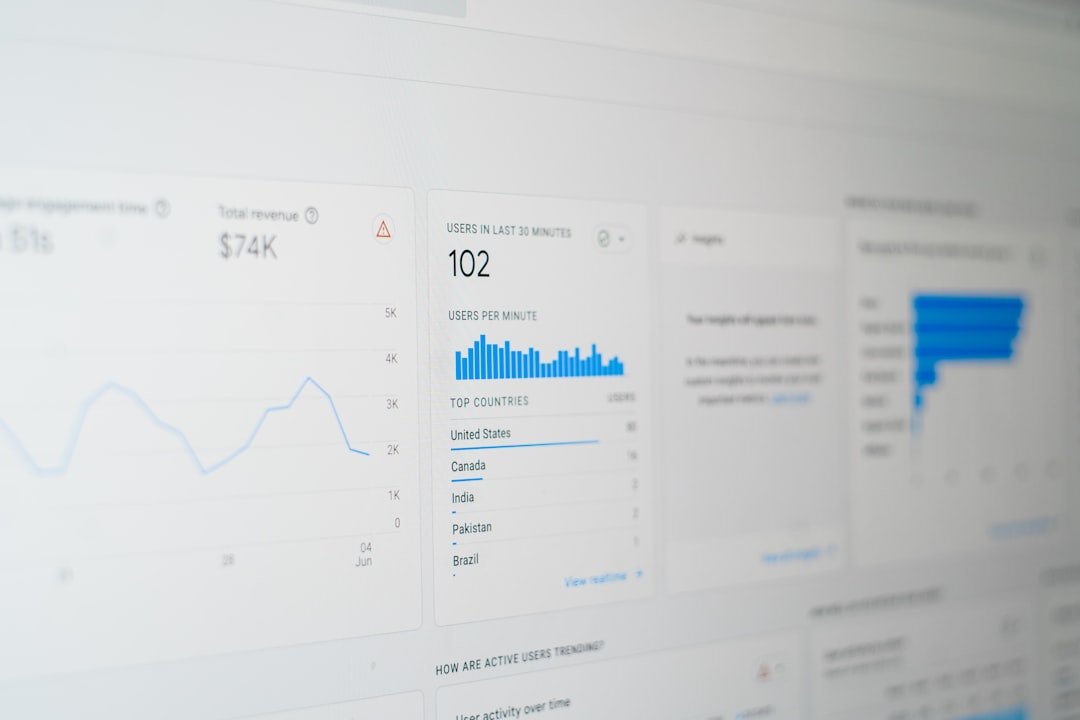
You have probably seen it before. A spike of impressions in Search Console that will not tie to any keyword you track. Clicks landing with no obvious query attached. Traffic that behaves nothing like the rest of your organic pattern. A fair amount of that unexplained activity has been coming from people pointing a phone camera at something, or circling an object on their screen, instead of typing anything into a search box. Until this week, there was no clean way to pull it out and look at it on its own.
That changes now. Google began rolling out a new “multimodal” search type filter inside the Performance report globally on September 24, 2026. It groups together the visual and camera-driven ways people find your content: Google Lens, Circle to Search on Android, image uploads made directly to Google Search, and Chrome’s right-click “Search this image” feature. Instead of that traffic sitting invisible inside your regular organic numbers, it now gets its own lane, with impressions and clicks broken out so you can see how much of your discovery is happening through a lens instead of a keyboard.
“This new data will help you better understand your site’s performance in the modern search landscape and optimize your visual content,” Google said.
Google’s own announcement kept it simple: “Today, we are excited to introduce Search Console reporting for web multimodal search, in the report for performance on Search results as well as in the report for Generative AI features.” That last part matters. The filter is not tucked away in one obscure corner, it shows up in two places, the standard Search results Performance report you already check every morning, and the Generative AI features report where you have been tracking AI Overviews and AI Mode traffic. Nothing needs to be turned on. If your site is already picking up multimodal search visits, the data simply appears.
What this means for you
Practically, this is a visibility upgrade, not a strategy handed to you on a plate. For years, product pages, recipe sites, home decor blogs, and anything else with strong imagery have quietly earned traffic through Lens without a shred of proof in the reporting. Now there is proof. You can pull up the filter, see how many impressions and clicks your visual content is generating through camera-based search, and start making the case internally that image optimization deserves budget, not just an afterthought during a content refresh.
It also gives you a new lens, no pun intended, for comparing content types. A site heavy on product photography, step-by-step tutorials, or anything visually distinctive is a good candidate to check first. If the multimodal numbers show up meaningfully next to your normal Search results traffic, that is a signal your image alt text, file naming, structured data, and on-page visual quality are already doing work you did not know about. It is a reasonable prompt to go audit those images the way you would audit title tags.
The part that keeps this from being a full picture
Here is where it gets frustrating for anyone who actually wants to act on this. Query-level data still is not available in the Generative AI features section. You can see that a page got multimodal traffic. You cannot see what visual or text query triggered it. Someone circled a lamp in a photo on your site, or uploaded a picture of a dish from your recipe post, and landed on your page. You just do not get to know which lamp, which dish, or what they typed alongside the image to narrow it down.
That gap is the whole story here. Google is giving practitioners a new bucket of traffic to look at without giving them the raw material to fully optimize for it. You can see the volume moving. You cannot chase the intent behind it the way you can with a keyword report. It puts SEOs in a familiar spot, reacting to the pattern instead of the query. Compare which pages and image types pull in multimodal traffic, watch trends over time, and treat the absence of query data as a nudge to make every image on your site as self-explanatory as possible, since you cannot rely on seeing exactly what search led someone there.
For now, the sensible move is to check the filter this week, note which pages and templates are already pulling multimodal impressions, and treat that as a working list rather than a finished audit. Google has shown it is willing to keep expanding what shows up in Search Console as visual and AI-driven search grows. There is a decent chance query-level detail eventually gets added too, the same way other Search Console features have filled in gaps over time. Until then, this is the clearest window practitioners have gotten into camera-based discovery, even if it is a window with the blinds half drawn.
Related SEO news: this rolled out the same week as the September 2026 spam update, and follows a broader pattern after click-through rates on AI Overviews started recovering earlier this year.
Bottom Line: Google just handed SEOs a real window into Lens and Circle to Search traffic, but keeping query data out of it means you can measure the trend without ever knowing exactly what triggered it.